
Key facts
- Manuals
- 1
- Languages
- EN
- Last added
- 2023-10-17
Featured VARIZOOM manuals
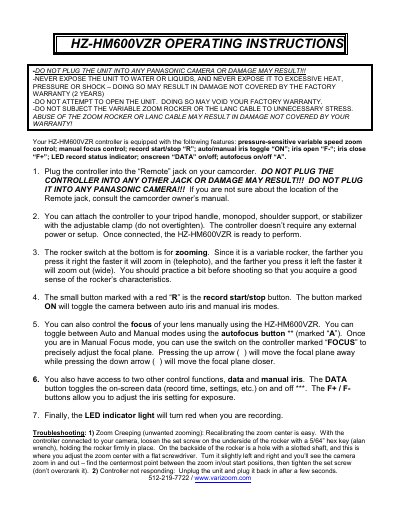
Varizoom HZ-HM600VZR Remote Controller Operating Instructions
The Varizoom HZ-HM600VZR is a remote controller designed for camcorders, featuring a pressure-sensitive variable speed zoom control, manual focus control, and record start/stop functionality. It connects directly to the camera's remote jack without requiring external power. The device includes controls for iris adjustment, onscreen data toggling, and autofocus modes, allowing for precise manual operation of the camera's lens functions.
Covers: Operating Instructions · Features · Installation · Zoom Control · Focus Control · Record Control
Latest VARIZOOM manuals
Varizoom HZ-HM600VZR Remote Controller Operating Instructions
User Manual 1 pages · 12 KB · ENOperating instructions for the Varizoom HZ-HM600VZR remote controller, covering installation, feature usage, and troubleshooting for camcorders.
Which document do I need?
User Manual
Day-to-day operation, settings and troubleshooting. Start here if the product is already set up.
Questions answered in VARIZOOM manuals
How do I adjust the zoom speed?
The farther you press the rocker switch to the right, the faster it zooms in; pressing left zooms out faster.
From: Varizoom HZ-HM600VZR Remote Controller Operating Instructions
What should I do if the controller is not responding?
Unplug the unit and plug it back in after a few seconds.
From: Varizoom HZ-HM600VZR Remote Controller Operating Instructions