
Key facts
- Manuals
- 1
- Languages
- EN
- Last added
- 2023-11-16
Featured TempMinder manuals
TempMinder MRI-333MX 4-Zone Temperature and Humidity Station Instruction Manual
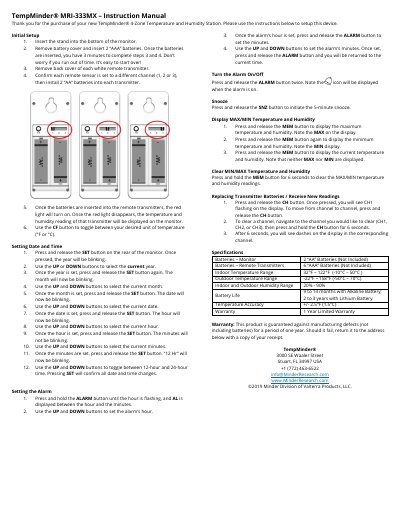
This instruction manual covers the TempMinder MRI-333MX 4-Zone Temperature and Humidity Station. It walks through initial setup: inserting the stand, fitting batteries in the monitor, setting each white remote transmitter to a different channel (1, 2 or 3), fitting batteries in the transmitters and choosing °F or °C with the CF button.
The manual then explains setting the date and time with the SET, UP and DOWN buttons, setting the alarm and turning it on or off, using the 5-minute snooze, viewing and clearing MAX/MIN temperature and humidity readings, and clearing a channel when transmitter batteries are replaced. A specifications list and a one-year limited warranty statement close the document.
Covers: Initial Setup · Setting Date and Time · Setting the Alarm · Turn the Alarm On/Off · Snooze · Display MAX/MIN Temperature and Humidity
Latest TempMinder manuals
TempMinder MRI-333MX 4-Zone Temperature and Humidity Station Instruction Manual
User Manual 1 pages · 108 KB · ENTempMinder MRI-333MX 4-Zone Temperature and Humidity Station instruction manual: setup, date/time, alarm, MIN/MAX readings and specifications.
Which document do I need?
User Manual
Day-to-day operation, settings and troubleshooting. Start here if the product is already set up.
Questions answered in TempMinder manuals
How do I switch the display between °F and °C?
Use the CF button on the monitor to toggle between the two temperature units.
From: TempMinder MRI-333MX 4-Zone Temperature and Humidity Station Instruction Manual
How long is the snooze period?
Pressing and releasing the SNZ button starts a 5-minute snooze.
From: TempMinder MRI-333MX 4-Zone Temperature and Humidity Station Instruction Manual