
Key facts
- Manuals
- 1
- Languages
- EN
- Last added
- 2023-11-03
Featured Techno Sun manuals
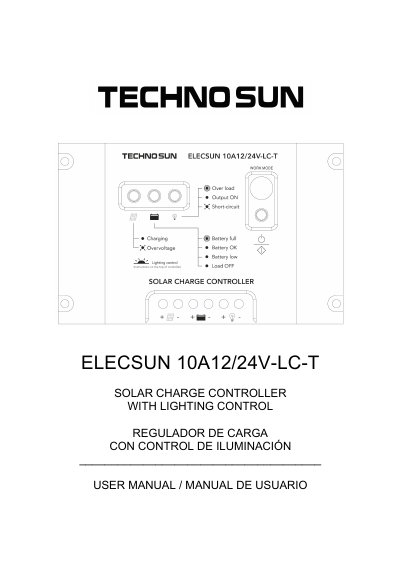
Techno Sun 10A12/24V-LC-T Solar Charge Controller User Manual
This user manual provides instructions for installing and operating the Techno Sun 10A12/24V-LC-T solar charge controller, which supports 12V or 24V systems and includes lighting control. It details wiring, mode settings, LED indicators, and troubleshooting steps for common issues like no charging, blinking LEDs, or load problems. The controller features automatic load disconnect/reconnect, overvoltage protection, and short-circuit detection with manual reset options.
Covers: Quick Start Instructions · Lighting Control Options · LED Indicator Meaning · Troubleshooting · Technical Specifications
Latest Techno Sun manuals
Techno Sun 10A12/24V-LC-T Solar Charge Controller User Manual
User Manual 24 pages · 2.6 MB · ENUser manual for Techno Sun's 10A12/24V-LC-T solar charge controller with lighting control, covering installation, operation, and troubleshooting.
Which document do I need?
User Manual
Day-to-day operation, settings and troubleshooting. Start here if the product is already set up.
Questions answered in Techno Sun manuals
How do I install the solar charge controller?
Mount the controller vertically with space for airflow. Connect the battery first, then the solar array, and finally the load. Ensure correct polarity and use a fuse rated 1.5 times the controller’s current rating on the battery+ line.
From: Techno Sun 10A12/24V-LC-T Solar Charge Controller User Manual
What does the green LED indicate?
The green LED indicates solar charging (on), overvoltage (blinking), battery level in correct range (on), or full battery (slowly flashing).
From: Techno Sun 10A12/24V-LC-T Solar Charge Controller User Manual