
Key facts
- Manuals
- 1
- Languages
- EN
- Last added
- 2023-10-20
Featured Summit Industries manuals
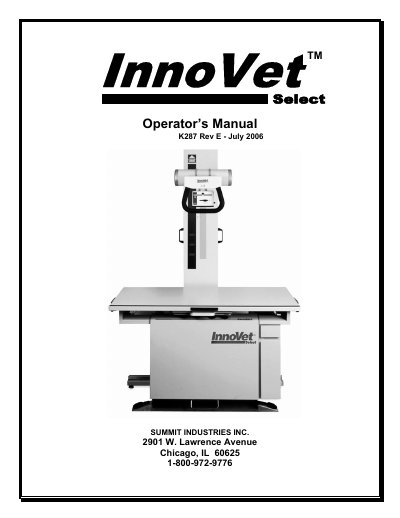
Summit Industries InnoVet Select™ Veterinary X-Ray System Operator's Manual
This manual provides instructions for installing, operating, and maintaining the InnoVet Select™ veterinary x-ray system. It includes sections on safety precautions, product overview, functions, technical data, cleaning, maintenance, and troubleshooting. The system integrates the x-ray generator into the table for compact design and features adjustable kVp, mA, and time settings. It is designed for veterinary use and requires authorized installation and operation to ensure safety and compliance with radiation standards.
Covers: Introduction · Precautions · General Product Overview · Functions · Technical Data · Cleaning
Latest Summit Industries manuals
Summit Industries InnoVet Select™ Veterinary X-Ray System Operator's Manual
User Manual 100 pages · 6.4 MB · ENOperator's manual for the InnoVet Select™ veterinary x-ray system by Summit Industries, covering installation, operation, maintenance, and troubleshooting.
Which document do I need?
User Manual
Day-to-day operation, settings and troubleshooting. Start here if the product is already set up.
Questions answered in Summit Industries manuals
What is the maximum line current for the InnoVet Select™?
Maximum line current (based on input voltage of 240 VAC): 140 AMP.
From: Summit Industries InnoVet Select™ Veterinary X-Ray System Operator's Manual
What are the kVp settings available?
64 kVp stations (40 to 125).
From: Summit Industries InnoVet Select™ Veterinary X-Ray System Operator's Manual