
Key facts
- Manuals
- 1
- Languages
- EN
- Last added
- 2023-10-20
Featured Stauer manuals
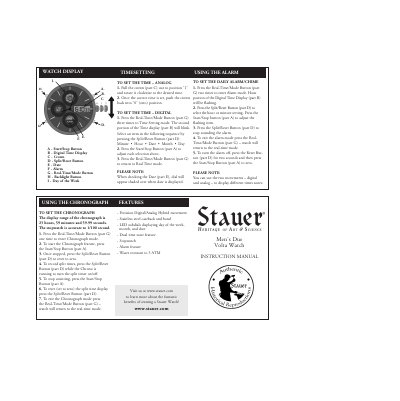
Stauer Due Volta Watch User Manual
This manual provides instructions for the Stauer Due Volta watch, a men's timepiece featuring both analog and digital displays. It details how to set the time for both display modes, configure the daily alarm, and operate the chronograph stopwatch function.
Covers: Time Setting · Alarm Setting · Chronograph · Features · Button Functions
Latest Stauer manuals
Stauer Due Volta Watch User Manual
User Manual 1 pages · 125 KB · ENInstruction manual for the Stauer Due Volta watch covering time setting, alarm configuration, chronograph usage, and features.
Which document do I need?
User Manual
Day-to-day operation, settings and troubleshooting. Start here if the product is already set up.
Questions answered in Stauer manuals
How do I set the time on the digital display?
Press the Real-Time/Mode Button three times to enter Time Setting mode, then use the Split/Reset Button to select items and the Start/Stop Button to adjust them.
How do I set the daily alarm?
Press the Real-Time/Mode Button two times to enter Alarm mode, select the hour or minute using the Split/Reset Button, and adjust with the Start/Stop Button.