
Key facts
- Manuals
- 1
- Languages
- ES
- Last added
- 2023-11-01
Featured Speed Touch manuals
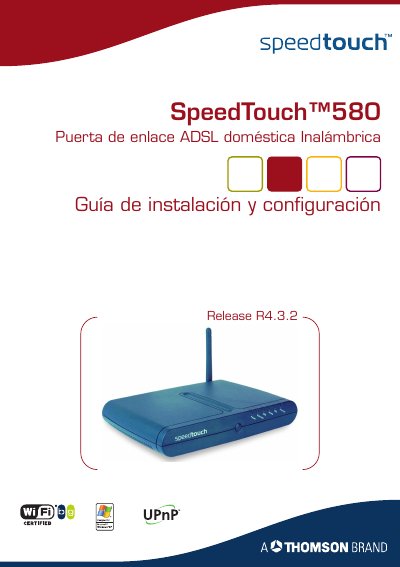
SpeedTouch 580 Wireless ADSL Home Gateway Installation and Configuration Guide
This installation and configuration guide for the SpeedTouch 580 covers how to set up the SpeedTouch 580(i) wireless ADSL home gateway and connect a computer or local area network to the Internet. It describes the ADSL POTS model 580 for a conventional telephone line and the ADSL ISDN model 580i for an ISDN line, as well as the SpeedTouch configuration CD and its Quick Installation Wizard for Microsoft Windows and Mac OS X.
The guide covers basic installation, guided and manual first installation, SpeedTouch configuration, USB driver installation, wireless configuration, basic security, and the web-based user interface. It also includes troubleshooting for Internet connection problems, hardware checks, LED diagnostics, web diagnostics, configuration CD problems, and wireless configuration problems. This manual is written in Spanish.
Covers: Presentation of SpeedTouch · Basic Installation · First Installation · Guided Installation · Manual Installation · USB Driver Installation
Latest Speed Touch manuals
SpeedTouch 580 Wireless ADSL Home Gateway Installation and Configuration Guide
Installation Guide 48 pages · 1.3 MB · ESInstallation and configuration guide for the SpeedTouch 580 wireless ADSL home gateway, covering setup, wireless configuration, and troubleshooting.
Which document do I need?
Installation Guide
Mounting, wiring and first power-up. Read it before the hardware goes in.
Questions answered in Speed Touch manuals
Which line does the SpeedTouch 580 connect to?
The SpeedTouch 580 connects to a conventional telephone line (POTS).
From: SpeedTouch 580 Wireless ADSL Home Gateway Installation and Configuration Guide
Which line does the SpeedTouch 580i connect to?
The SpeedTouch 580i connects to an ISDN line (RDSI).
From: SpeedTouch 580 Wireless ADSL Home Gateway Installation and Configuration Guide