
Key facts
- Manuals
- 1
- Languages
- EN
- Last added
- 2023-10-15
Featured Smart Sensor manuals
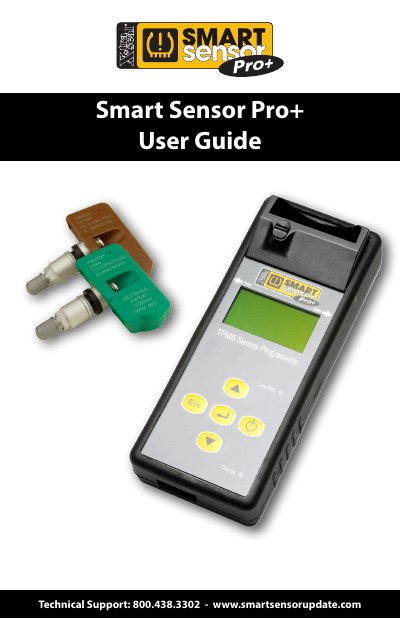
Smart Sensor Pro+ TPMS Scanner User Guide
The Smart Sensor Pro+ is a diagnostic device designed to measure and display tire operation parameters such as air pressure and temperature. It features a rechargeable battery that takes approximately two hours to charge from a depleted state using the factory-supplied DC adapter rated at 15V/1A.
Users can perform various functions including vehicle selection, scanning sensors wirelessly against the tire sidewall, programming new blank sensors via hard contact points in the cradle, and copying existing sensor IDs either manually or wirelessly. The tool also supports OBDII connections for vehicles requiring a relearn procedure.
Covers: FCC Notice · Scope of Use and Warnings · Battery Information · Charging Pro+ Tool · Tool Buttons and Layout · Settings / Options
Latest Smart Sensor manuals
Smart Sensor Pro+ TPMS Scanner User Guide
User Manual 15 pages · 6.2 MB · ENThis user guide provides instructions for operating the Smart Sensor Pro+ tool to scan, program, and copy Tire Pressure Monitoring System (TPMS) sensors.
Which document do I need?
User Manual
Day-to-day operation, settings and troubleshooting. Start here if the product is already set up.
Questions answered in Smart Sensor manuals
What should I do if the battery is completely discharged?
It may take several minutes to charge before the 'MAIN MENU' appears on the display.
How do I trigger a TPMS sensor for scanning?
Hold the side of the tool against the sidewall of the tire and press ENTER.