
Key facts
- Manuals
- 1
- Languages
- ZH
- Last added
- 2023-11-03
Featured SABINE manuals
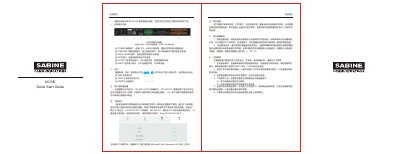
SABINE AC/AE Digital Audio Processor Quick Start Guide
This quick start guide introduces the SABINE AC/AE digital audio processor and explains how to connect its rear-panel interfaces, including power, Ethernet, RS232/RS485, GPIO, output, and input ports.
It also describes powering on the device, configuring the client PC network using the default IP 169.254.10.227, downloading and logging into the client software, troubleshooting common faults, and observing safety precautions such as proper grounding and ventilation. This manual is written in Chinese.
Covers: Device interface connection · Power on · Client network configuration · Software download · Software login · Common fault troubleshooting
Latest SABINE manuals
SABINE AC/AE Digital Audio Processor Quick Start Guide
Quick Start Guide 1 pages · 791 KB · ZHThe SABINE AC/AE Digital Audio Processor Quick Start Guide covers interface connections, startup, network setup, software download and login…
Which document do I need?
Quick Start Guide
The shortest path to a working setup, usually only a few pages.
Questions answered in SABINE manuals
What is the default IP address of the SABINE AC/AE processor?
The default IP address is 169.254.10.227 with subnet mask 255.255.0.0.
From: SABINE AC/AE Digital Audio Processor Quick Start Guide
What should I do if the network connection fails?
Use the PC software to change the processor's network segment to match the LAN, then click network connection.
From: SABINE AC/AE Digital Audio Processor Quick Start Guide