
Key facts
- Manuals
- 1
- Languages
- EN
- Last added
- 2026-11-09
Featured Rockstar Games manuals
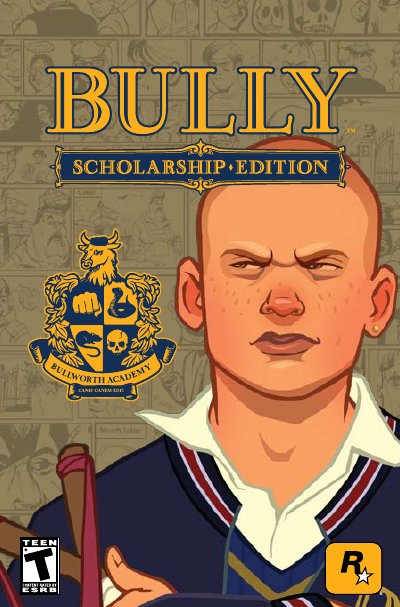
Rockstar Games Bully: Scholarship Edition Game User Guide
Rockstar Games' Bully: Scholarship Edition user guide begins with installation and minimum system requirements, then explains the keyboard/mouse and Xbox 360 controller configurations. It covers controls on foot, in a vehicle, and on a bike, along with in-game interactions, classes, and school supplies.
The guide also includes chapters on Bullworth Society and Credits. Its class descriptions cover Mathematics, English, Biology, Art, Music, Shop, Gym, Photography, Geography, and Chemistry, and the school supplies section describes items such as the slingshot, stink bomb, marbles, and firecracker.
Covers: Getting Started · Controls · Configurations · Interactions & Classes · Classes · School Supplies
Latest Rockstar Games manuals
Rockstar Games Bully: Scholarship Edition Game User Guide
User Manual 15 pages · 1.7 MB · ENRockstar Games' Bully: Scholarship Edition guide covers installation, system requirements, controls, classes, school supplies, and Bullworth society.
Which document do I need?
User Manual
Day-to-day operation, settings and troubleshooting. Start here if the product is already set up.
Questions answered in Rockstar Games manuals
What are the minimum system requirements for Bully: Scholarship Edition?
It requires Windows XP or Windows Vista, 1 GB RAM, 4.7 GB of hard drive space, an Intel Pentium 4 (3+ GHZ) or AMD Athlon 3000+, a DirectX 9.0c Shader 3.0 video card, and a DX9-compatible sound card.
From: Rockstar Games Bully: Scholarship Edition Game User Guide
How do I install Bully: Scholarship Edition?
Insert the DVD, launch the installer from the Launch Menu or Explorer, agree to the license agreement, and choose an install location.
From: Rockstar Games Bully: Scholarship Edition Game User Guide