
Key facts
- Manuals
- 1
- Languages
- EN
- Last added
- 2023-10-18
Featured Roberts manuals
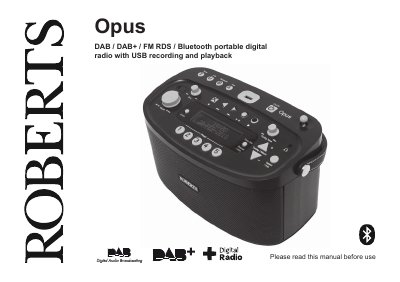
Roberts Opus 1 DAB FM 10 User Manual
This manual provides operating instructions for the Roberts Opus 1 DAB FM 10 portable radio, including setup, battery use, DAB and FM tuning, Bluetooth pairing, USB playback and recording, and display controls. It also covers safety, specifications, and warranty information.
The radio supports multiple audio codecs including MP3, FLAC, and WMA, and can be powered by alkaline or rechargeable batteries. It includes a telescopic aerial for reception and a headphone socket for private listening.
Covers: Controls (Top) · Controls (Rear) · Battery operation using alkaline batteries · Battery operation using rechargeable batteries · Using the radio for the first time · Operating your radio - DAB
Latest Roberts manuals
Roberts Opus 1 DAB FM 10 User Manual
User Manual 32 pages · 872 KB · ENUser manual for Roberts Opus 1 DAB FM 10 portable radio with USB, Bluetooth, and battery operation instructions.
Which document do I need?
User Manual
Day-to-day operation, settings and troubleshooting. Start here if the product is already set up.
Questions answered in Roberts manuals
How do I switch between DAB and FM modes?
Press the Tuner button to select DAB mode. When first switched on, the radio will be in DAB mode. After each use, it will remember the last used mode.
What audio formats are supported via USB?
The radio supports MP3, FLAC, WMA, WAV, and Ogg Vorbis with a maximum bit rate of 320 kbits/sec for MP3 and 1.5 Mbits/sec for FLAC.