
Key facts
- Manuals
- 1
- Languages
- EN
- Last added
- 2023-10-20
Featured Redi-Chek manuals
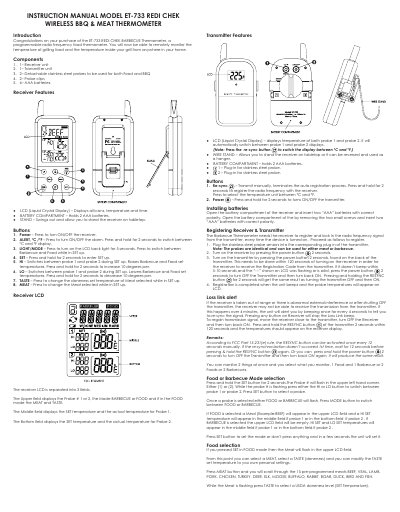
REDI CHEK ET-733 Wireless BBQ & Meat Thermometer User Manual
This manual explains how to set up and use the REDI CHEK ET-733 wireless BBQ and meat thermometer. It includes instructions for registering the receiver and transmitter, setting temperature modes (food or barbecue), selecting meat types and doneness levels, and configuring alarm thresholds. It also covers troubleshooting tips and safety precautions for safe operation.
Covers: Introduction · Components · Receiver Features · Transmitter Features · Installing Batteries · Registering Receiver & Transmitter
Latest Redi-Chek manuals
REDI CHEK ET-733 Wireless BBQ & Meat Thermometer User Manual
User Manual 2 pages · 603 KB · ENUser manual for REDI CHEK ET-733 wireless BBQ and meat thermometer with setup, probe use, and alarm instructions.
Which document do I need?
User Manual
Day-to-day operation, settings and troubleshooting. Start here if the product is already set up.
Questions answered in Redi-Chek manuals
What meats can I select for food mode?
You can select from 15 pre-programmed meats: BEEF, VEAL, LAMB, PORK, CHICKEN, TURKEY, DEER, ELK, MOOSE, BUFFALO, RABBIT, BOAR, DUCK, BIRD AND FISH.
From: REDI CHEK ET-733 Wireless BBQ & Meat Thermometer User Manual
What should I do if the display shows LLL or HHH?
Wait for the probe to reach room temperature. If the issue persists, ensure the probe jacks are properly seated and twisted for good contact.
From: REDI CHEK ET-733 Wireless BBQ & Meat Thermometer User Manual