
Key facts
- Manuals
- 1
- Languages
- EN
- Last added
- 2023-11-06
Featured RADVision manuals
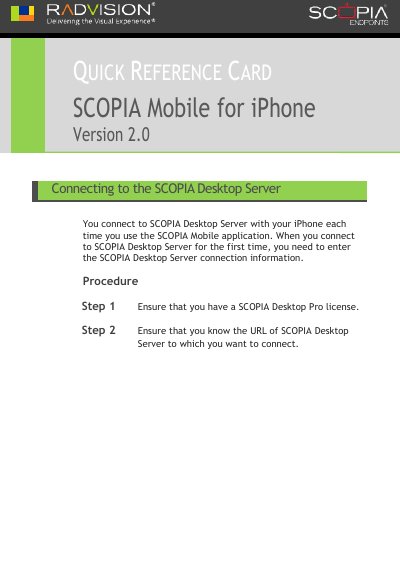
RADVISION SCOPIA Mobile for iPhone 2.0 Quick Reference Guide
This document serves as a quick reference card for the SCOPIA Mobile for iPhone Version 2.0 application. It provides step-by-step instructions for connecting to a SCOPIA Desktop Server, including entering the server URL, username, and password. Users are instructed to ensure they have a SCOPIA Desktop Pro license before attempting to connect.
Covers: Connecting to the SCOPIA Desktop Server · Connecting to a meeting · Joining a conference as an audio-only participant · Joining a conference as an audio-only participant on a different phone · Calling into a conference as an audio-only participant · Changing a participant's video layout
Latest RADVision manuals
RADVISION SCOPIA Mobile for iPhone 2.0 Quick Reference Guide
Quick Start Guide 18 pages · 332 KB · ENQuick reference guide for connecting to SCOPIA Desktop Server and joining meetings using the SCOPIA Mobile application on iPhone.
Which document do I need?
Quick Start Guide
The shortest path to a working setup, usually only a few pages.
Questions answered in RADVision manuals
What information must be entered when connecting to the SCOPIA Desktop Server for the first time?
You must enter the SCOPIA Desktop Server connection information, including the server URL and your user credentials.
From: RADVISION SCOPIA Mobile for iPhone 2.0 Quick Reference Guide
How do you join an audio conference using the SCOPIA Mobile application?
Tap Call me back, then tap Call me back on the phone to receive a callback, and finally tap Answer.
From: RADVISION SCOPIA Mobile for iPhone 2.0 Quick Reference Guide