
Key facts
- Manuals
- 2
- Languages
- EN
- Last added
- 2023-10-13
Featured PTZ Optics manuals
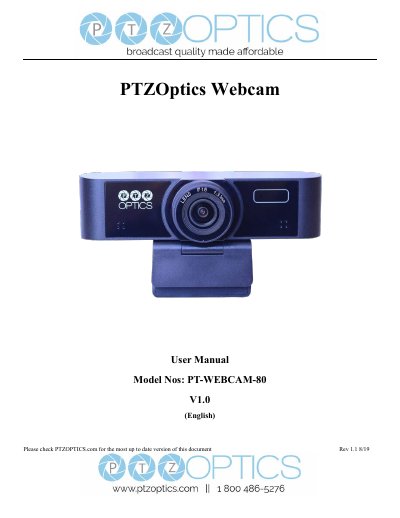
PTZOptics PT-WEBCAM-80 V1.0 Webcam User Manual
This document serves as the user manual for the PTZOptics PT-WEBCAM-80 V1.0 webcam. It details the supplied accessories, safety precautions, and quick start procedures for connecting the device via USB 2.0. The guide explains key features such as 1080p video support, electronic pan/tilt/zoom capabilities, and built-in noise reduction.
Covers: Supplied Accessories · Notes · Quick Start · Features · Product Specifications · Main Unit
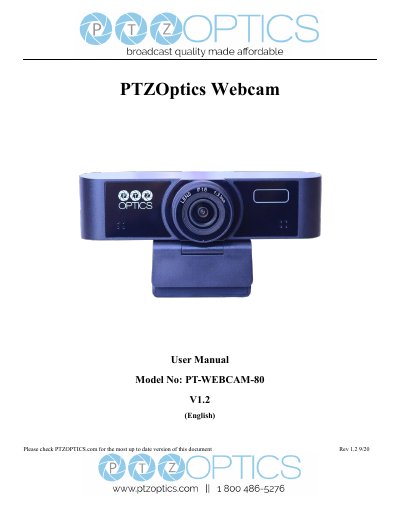
PTZOptics PT-WEBCAM-80 Webcam User Manual
This manual provides instructions for the PTZOptics PT-WEBCAM-80 webcam, including a quick start guide for USB connectivity and an overview of key features such as 1080p video, electronic pan/tilt/zoom, and built-in noise reduction. It details the supplied accessories and safety precautions for handling the device.
Covers: Supplied Accessories · Quick Start · Features · Product Specifications · Main Unit · Menu Settings
Latest PTZ Optics manuals
PTZOptics PT-WEBCAM-80 V1.0 Webcam User Manual
User Manual 12 pages · 203 KB · ENThis user manual covers the installation, operation, menu settings, and maintenance of the PTZOptics PT-WEBCAM-80 V1.0 PTZ webcam.
PTZOptics PT-WEBCAM-80 Webcam User Manual
User Manual 12 pages · 484 KB · ENThis user manual covers the installation, operation, menu settings, and maintenance of the PTZOptics PT-WEBCAM-80 PTZ webcam.
Which document do I need?
User Manual
Day-to-day operation, settings and troubleshooting. Start here if the product is already set up.
Questions answered in PTZ Optics manuals
What is the power supply requirement for the camera?
The power supply output is 12VDC with a maximum current supply of 2A.
How do I access the camera menu settings?
You must download the PTZOptics Webcam OSD application from ptzoptics.com/downloads to access the OSD menu.
What is the warranty period for this camera?
The warranty is 3 years for serial numbers J2E1231999 and before, and 5 years for J2F0101001 and after.
How do I access the camera's menu settings?
You must download the PTZOptics Webcam OSD application from ptzoptics.com/downloads to access the On Screen Display Menu.