
Key facts
- Manuals
- 1
- Languages
- EN
- Last added
- 2023-10-18
Featured Prototek manuals
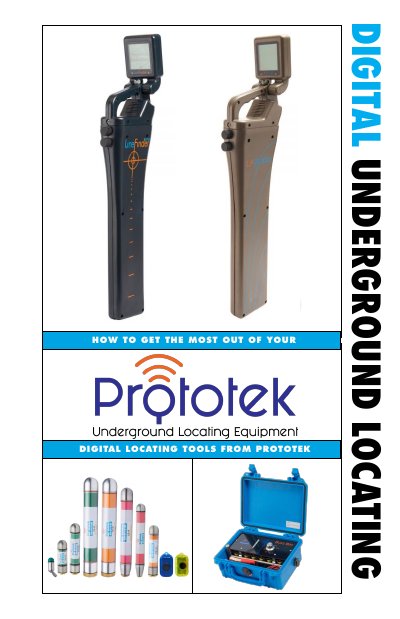
Prototek LineFinder LF2000 LF2100 LF2200 Digital Underground Locating Manual
This manual provides step-by-step instructions for using Prototek's LineFinder models (LF2000, LF2100, LF2200) for underground locating. It covers features like sonde locating, line tracing, power mode, and custom frequency detection. The guide also includes operational notes, troubleshooting tips, and contact information for support. The tools use intuitive feedback such as clicking sounds and handle vibration to assist users during locating tasks.
The manual explains how to operate the equipment, including controls like the 4-way thumb switch and LCD screen functions. It also details specifications for each model, including battery life, operating temperature, and supported frequencies. Users are encouraged to consult the web site or contact Prototek for additional support or training videos.
Covers: Getting to Know your Tools · Sonde Locating · Line Tracing · Power Mode · Sniffing Custom Frequencies · At the Jobsite
Latest Prototek manuals
Prototek LineFinder LF2000 LF2100 LF2200 Digital Underground Locating Manual
User Manual 36 pages · 4.8 MB · ENUser guide for Prototek's digital underground locating tools, covering sonde locating, line tracing, power mode, custom frequency detection, and…
Which document do I need?
User Manual
Day-to-day operation, settings and troubleshooting. Start here if the product is already set up.
Questions answered in Prototek manuals
How does the LineFinder indicate signal strength?
The tool uses a variable rate clicking sound — the faster the clicks, the stronger the signal.
From: Prototek LineFinder LF2000 LF2100 LF2200 Digital Underground Locating Manual
What frequencies does the LF2200 support?
It supports sonde frequencies at 16 Hz, 512 Hz, and 8 kHz, and line tracing at 8, 16, 32, and 64 kHz.
From: Prototek LineFinder LF2000 LF2100 LF2200 Digital Underground Locating Manual