
Key facts
- Manuals
- 1
- Languages
- ES
- Last added
- 2023-11-16
Featured Patrol Hawk manuals
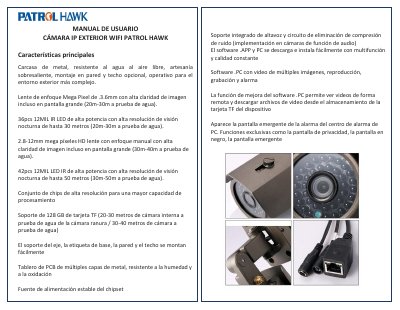
PATROL HAWK Outdoor IP Camera User Manual
The PATROL HAWK is an outdoor WiFi IP camera with a metal, waterproof housing for wall or ceiling mounting. It includes a 3.6 mm or 2.8-12 mm megapixel lens, high-power IR LEDs for night vision up to 30 or 50 meters, a 128 GB TF card slot, and a built-in speaker with noise reduction. The box contains the camera, quick operation manual, four screws, a DC12V/1.5A adapter, and a reset button.
To set it up, connect the camera to power and a router LAN port with DHCP enabled, then download the COT Pro app from the Apple App Store or Google Play and add the camera under "My camera." The app supports live video, manual, alarm, and timer recording, image capture, and settings, while PC software enables multi-image viewing, playback, recording, alarms, and remote access to TF card files. This manual is written in Spanish.
Covers: Main features · Packing list · Operation mode · SD card memory introduction · APP functions · Options and manual recording
Latest Patrol Hawk manuals
PATROL HAWK Outdoor IP Camera User Manual
User Manual 5 pages · 950 KB · ESThis Spanish user manual covers setup, app operation, recording, and troubleshooting for the PATROL HAWK outdoor WiFi IP camera.
Which document do I need?
User Manual
Day-to-day operation, settings and troubleshooting. Start here if the product is already set up.
Questions answered in Patrol Hawk manuals
What should I do if the app cannot detect the camera when adding a device?
Check that the camera and phone are on the same LAN and that the camera network indicator is on; otherwise add the camera manually using its ID number.
What should I do if I forget the remote password?
Press the reset button to restore the device to factory settings; the password is 123.