
Key facts
- Manuals
- 2
- Languages
- EN
- Last added
- 2023-10-18
Featured Panini manuals
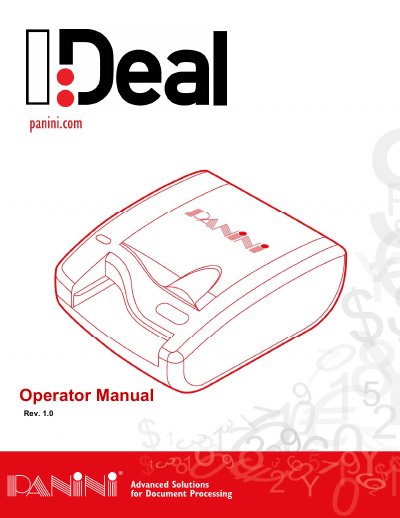
Panini I:Deal Operator Manual
The Panini I:Deal is a remote deposit capture (RDC) scanner designed for small-business users. It features innovative paper handling with auto-alignment, high-quality dual-sided image capture, and advanced MICR and OCR reading technologies. The device also supports optional document franking and virtual endorsement capabilities.
Covers: Preparation · Installation · Operating the I:Deal · Maintenance · Troubleshooting · Specifications
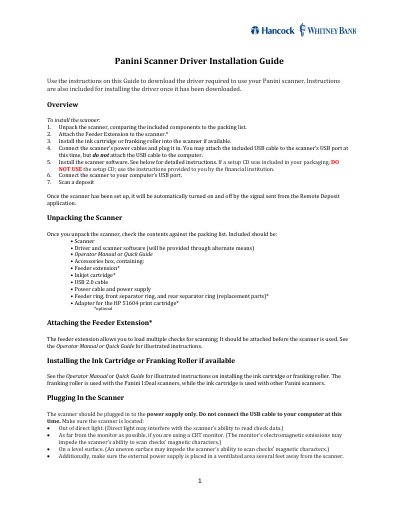
Panini Scanner Driver Installation Guide
This guide provides step-by-step instructions for setting up a Panini scanner. The process includes unpacking the device, attaching optional components like the feeder extension or ink cartridge, and correctly positioning the unit to ensure optimal scanning performance.
The second part of the document details the software installation procedure. It specifies that users must download the driver from the Treasury Solution website rather than using a setup CD if one is included. The guide outlines the specific steps required to run the installer as an administrator to complete the setup.
Covers: Overview · Unpacking the Scanner · Attaching the Feeder Extension · Installing the Ink Cartridge or Franking Roller · Plugging In the Scanner · Installing the Scanner Software
Latest Panini manuals
Panini I:Deal Operator Manual
User Manual 13 pages · 1.6 MB · ENThis manual provides operating instructions, installation steps, maintenance, and troubleshooting for the Panini I:Deal remote deposit capture scanner.
Panini Scanner Driver Installation Guide
User Manual 2 pages · 164 KB · ENInstructions for unpacking, connecting, and installing the driver software for Panini scanners used in remote deposit applications.
Which document do I need?
User Manual
Day-to-day operation, settings and troubleshooting. Start here if the product is already set up.
Questions answered in Panini manuals
What is included in the Panini I:Deal packaging?
The packaging includes the scanner unit, power supply, USB cable, Operator Manual CD, Quick Guide, and an optional Franking Roller.
Can the Panini I:Deal be serviced by the user?
No, users should not attempt to service or repair the device except as instructed in the manual; all servicing should be referred to qualified personnel.
Should I use the setup CD if it is included in the packaging?
No, you should not use the setup CD; instead, use the instructions provided by your financial institution to download and install the driver.
Who can perform the driver download?
The download must be performed by an Administrator on the computer.