
Key facts
- Manuals
- 1
- Languages
- EN
- Last added
- 2026-11-05
Featured Optics11 manuals
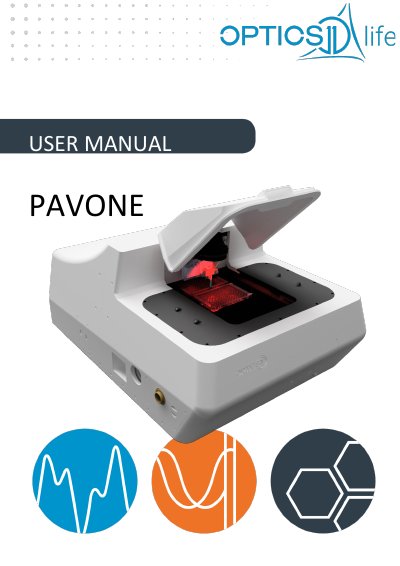
Optics11 Pavone User Manual
The Optics11 Pavone is an instrument designed for measuring the mechanical properties of samples, such as microgels, organoids, and cell cultures. The manual details the system components, including the Pavone body, CCD camera, objective, power supply, and the OP1550 interferometer. It provides instructions on connecting the various cables and components to the PC and power supply unit.
Covers: Safety · Installation · Preparing the setup · Using the Pavone · Additional system calibration · Optimizing instrument stability
Latest Optics11 manuals
Optics11 Pavone User Manual
User Manual 64 pages · 5.4 MB · ENThis manual covers the installation, operation, calibration, and optimization of the Optics11 Pavone instrument and OP1550 interferometer for measuring…
Which document do I need?
User Manual
Day-to-day operation, settings and troubleshooting. Start here if the product is already set up.
Questions answered in Optics11 manuals
What should be done before switching from 220V to 110V?
The instrument must be disconnected before changing the voltage.
What is the default setting for the 'DDS Phase shift' in the Maintenance menu?
The default setting is 80.0 degrees.