
Key facts
- Manuals
- 1
- Languages
- ES
- Last added
- 2026-11-17
Featured Odys manuals
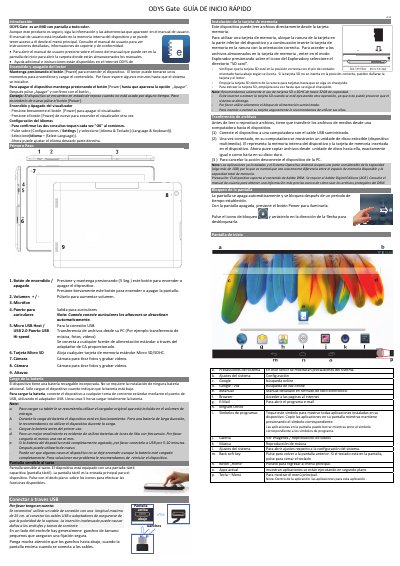
ODYS Gate MID Tablet Quick Start Guide
This is the Spanish quick start guide (Guía de inicio rápido) for the ODYS Gate, described in the document as a MID with a full-color screen. It explains the first basic operations: switching the device on and off with the Power button, turning the display on and off, setting the language, and opening the user manual stored in the device's internal memory.
The guide also covers the device's buttons and ports (Power, volume, microphone, headphone jack, Micro USB Host / USB 2.0, microSD slot, cameras and speaker), charging the built-in battery with the supplied USB adapter, using the capacitive touchscreen, inserting a microSD card, transferring files from a computer over USB, unlocking the screen, and the items on the home screen. It refers readers to the built-in user manual and to ODYS.de for detailed instructions and support. This manual is written in Spanish.
Covers: Introducción · Encendido y apagado · Encendido y apagado del visualizador · Configuración del idioma · Carga de la batería · Pantalla sensible al tacto
Latest Odys manuals
ODYS Gate MID Tablet Quick Start Guide
Quick Start Guide 1 pages · 1.1 MB · ESSpanish quick start guide for the ODYS Gate MID tablet: power on/off, language settings, battery charging, microSD card, file transfer and home screen.
Which document do I need?
Quick Start Guide
The shortest path to a working setup, usually only a few pages.
Questions answered in Odys manuals
¿Cómo se enciende y apaga el ODYS Gate?
Mantenga presionado el botón [Power] para encenderlo y, para apagarlo, manténgalo presionado hasta que aparezca la opción "Apagar" y confirme.
¿Cuánto tarda en cargarse la batería?
La carga completa tarda unas 5 horas, usando el adaptador USB suministrado.