
Key facts
- Manuals
- 2
- Languages
- ZH · EN
- Last added
- 2026-10-22
Featured NEO manuals
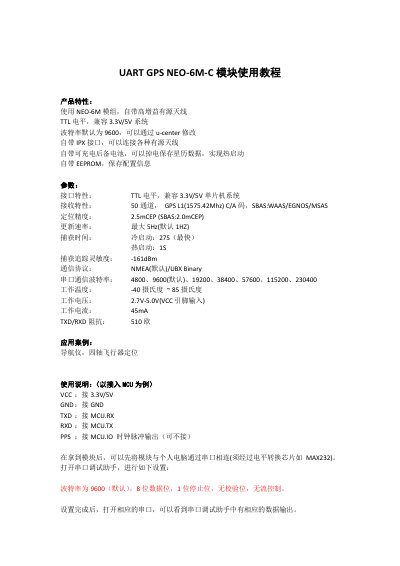
NEO NEO-6M-C UART GPS Module User Manual
The NEO NEO-6M-C is a GPS module featuring a built-in high-gain active antenna, TTL logic levels compatible with 3.3V/5V systems, and a rechargeable backup battery for cold start elimination. It supports 50 channels, SBAS (WAAS/EGNOS/MSAS), and offers a positioning accuracy of 2.5m CEP (2.0m with SBAS). The module communicates via serial ports at various baud rates and supports NMEA and UBX binary protocols. This manual is written in Chinese.
Covers: Product Features · Parameters · Application Cases · Usage Instructions · u-center Software · Configuration
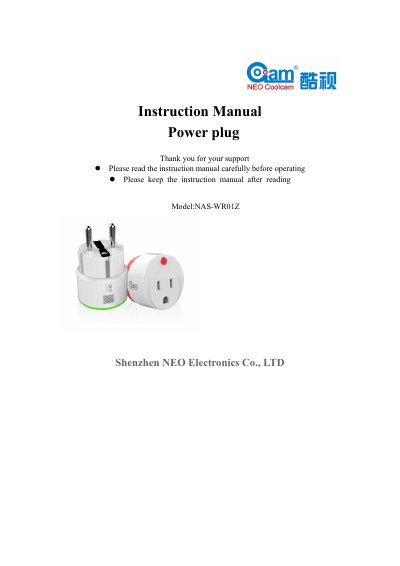
NEO NAS-WR01Z Intelligent Power Plug User Manual
This manual provides instructions for the NEO NAS-WR01Z intelligent power plug, a device controlled remotely via Z-wave network or radio waves. It details how to add and exclude the device from a Z-wave network, including the specific button sequences required for inclusion and exclusion modes.
Covers: Product Introduction · Product Configuration · Installation Steps · Tips · The Status of LED · Restore the Sensor to Factory Default Settings
Latest NEO manuals
NEO NEO-6M-C UART GPS Module User Manual
User Manual 9 pages · 730 KB · ZHThis manual covers the features, parameters, connection methods, and configuration of the NEO NEO-6M-C UART GPS module using u-center software.
NEO NAS-WR01Z Intelligent Power Plug User Manual
User Manual 10 pages · 301 KB · ENUser manual for the NEO NAS-WR01Z Z-wave intelligent power plug, covering installation, remote control, and advanced configuration.
Which document do I need?
User Manual
Day-to-day operation, settings and troubleshooting. Start here if the product is already set up.
Questions answered in NEO manuals
What is the default baud rate of the module?
The default baud rate is 9600.
Does the module support SBAS?
Yes, it supports WAAS, EGNOS, and MSAS.
How do I add the power plug to the Z-Wave network?
Plug the device in, set the main controller to learning mode, and quickly triple click the code button until the LED flashes green five times.
How do I restore the power plug to factory settings?
Press and hold the code button for 10 seconds until the LED light flashes.