
Key facts
- Manuals
- 1
- Languages
- EN
- Last added
- 2023-11-02
Featured MYCOOLMAN manuals
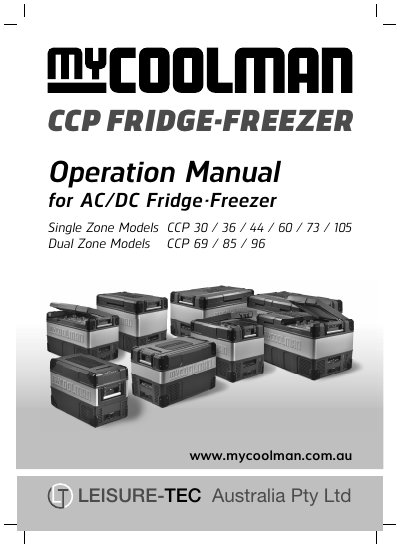
myCOOLMAN CCP 30/36/44/60/73/105 & CCP 69/85/96 Fridge-Freezer Operation Manual
This operation manual covers the myCOOLMAN CCP series AC/DC fridge-freezer, including single-zone models CCP 30, 36, 44, 60, 73 and 105 and dual-zone models CCP 69, 85 and 96. It explains the LED control panel, temperature settings, Turbo mode, battery protection, Bluetooth app pairing, lid removal and reversal, cleaning, troubleshooting and product specifications.
The manual also lists safety warnings and product information such as ambient operating range, ventilation clearance, DC fuse recommendations, and cable-size guidance. It states a temperature setting range of –22 °C to +10 °C in each compartment and describes the myCOOLMAN mobile app controls.
Covers: Important Safety Warnings · Important Product Information · Product Features · LED Control Panel & Operation Instructions · Bluetooth Mode Instructions · Two Way Opening and Removable Lid
Latest MYCOOLMAN manuals
myCOOLMAN CCP 30/36/44/60/73/105 & CCP 69/85/96 Fridge-Freezer Operation Manual
User Manual 12 pages · 1.3 MB · ENOperation manual for myCOOLMAN CCP series AC/DC fridge-freezers, covering controls, Bluetooth app use, safety, maintenance, and specifications.
Which document do I need?
User Manual
Day-to-day operation, settings and troubleshooting. Start here if the product is already set up.
Questions answered in MYCOOLMAN manuals
What temperature range can I set?
The temperature can be set from –22 °C to +10 °C in each compartment.
From: myCOOLMAN CCP 30/36/44/60/73/105 & CCP 69/85/96 Fridge-Freezer Operation Manual
How do I know Turbo mode is engaged?
Press the Turbo button once; the light illuminates green to show that Turbo Mode is engaged.
From: myCOOLMAN CCP 30/36/44/60/73/105 & CCP 69/85/96 Fridge-Freezer Operation Manual