
Key facts
- Manuals
- 1
- Languages
- EN
- Last added
- 2023-10-17
Featured Minidso manuals
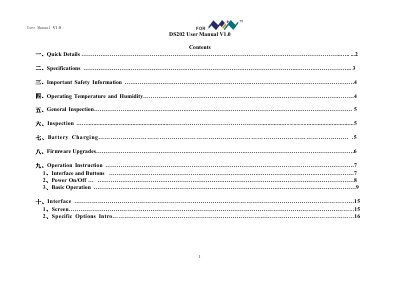
Minidso DS202 Pocket Digital Oscilloscope User Manual
The Minidso DS202 is a compact, 2-channel digital oscilloscope featuring a 320x240 color capacitive touchscreen and an aluminum alloy design. It supports SD card and USB flash disk storage, as well as USB charging. The device is designed for academic experiments, electronics maintenance, and engineering tasks.
Covers: Specifications · Important Safety Information · Operating Temperature and Humidity · General Inspection · Battery Charging · Firmware Upgrades
Latest Minidso manuals
Minidso DS202 Pocket Digital Oscilloscope User Manual
User Manual 22 pages · 1.5 MB · ENUser manual for the Minidso DS202 pocket digital oscilloscope, covering specifications, safety, operation, and firmware upgrades.
Which document do I need?
User Manual
Day-to-day operation, settings and troubleshooting. Start here if the product is already set up.
Questions answered in Minidso manuals
How do I enter DFU firmware upgrade mode?
Long press the Power Button for 4 seconds to enter DFU firmware upgrade mode.
How do I force shut down the device?
Long press the Power Button for 8 seconds to force shut down.