
Key facts
- Manuals
- 1
- Languages
- ZH
- Last added
- 2026-10-10
Featured MICO manuals
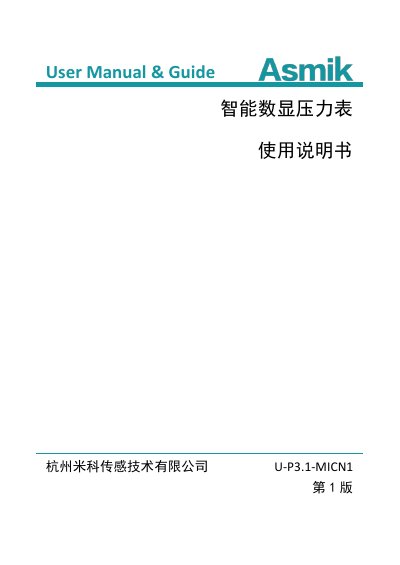
Mico U-P3.1-MICN1 Intelligent Digital Pressure Gauge User Manual
The Mico U-P3.1-MICN1 is a high-precision digital pressure gauge featuring a 304 stainless steel casing and a segment LCD display. It supports multiple measurement units, backlighting, peak value recording, and temperature compensation for accurate readings of gas, water, and oil. This manual is written in Chinese.
Covers: Product Introduction · Technical Parameters · Display and Keys · Pressure Gauge Calibration · Peak Value Save Function · Dimensions and Installation
Latest MICO manuals
Mico U-P3.1-MICN1 Intelligent Digital Pressure Gauge User Manual
User Manual 20 pages · 476 KB · ZHThis manual covers the operation, calibration, and specifications of the Mico U-P3.1-MICN1 intelligent digital pressure gauge.
Which document do I need?
User Manual
Day-to-day operation, settings and troubleshooting. Start here if the product is already set up.
Questions answered in MICO manuals
How do I calibrate the zero point?
Press and hold the Zero button for 3 seconds to clear the zero error.
From: Mico U-P3.1-MICN1 Intelligent Digital Pressure Gauge User Manual
What is the battery life?
The battery life is at least 6 months, depending on specific working conditions.
From: Mico U-P3.1-MICN1 Intelligent Digital Pressure Gauge User Manual