
Key facts
- Manuals
- 6
- Languages
- EN
- Last added
- 2023-10-18
Featured MEI manuals
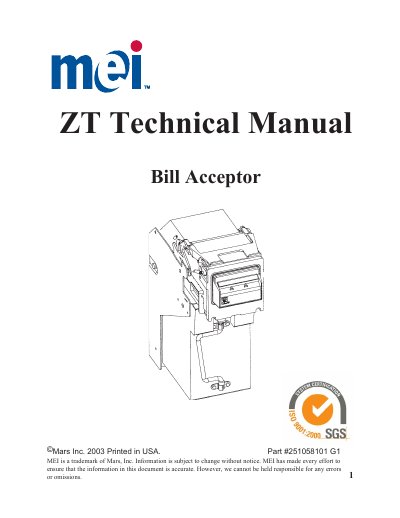
MEI ZT Series Bill Acceptor User Manual
This manual provides detailed instructions for operating and maintaining MEI’s ZT Series bill acceptors, designed for gaming machines. It covers operating modes like Interface, Calibration, and Test, physical operation, maintenance procedures, and troubleshooting. The ZT Series includes models ZT1100 and ZT1200, with features such as optical sensing, four-way bill acceptance, and flash-upgradable software. Maintenance sections detail cleaning, jam clearing, and calibration procedures.
Covers: Safety Instructions · Overview · Operating Modes · Physical Operation · Maintenance · Troubleshooting
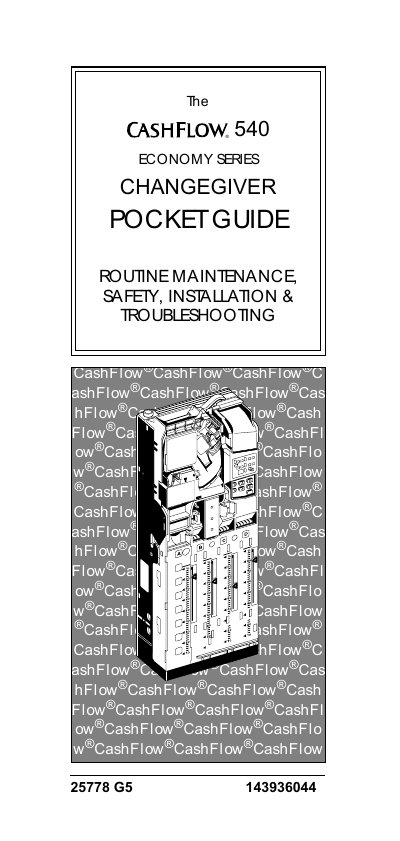
MEI CashFlow 540 Changegiver Pocket Guide
This document serves as a pocket guide for the MEI CashFlow 540 changegiver, providing essential information on routine maintenance, safety precautions, installation, and troubleshooting. It includes instructions for cleaning the unit, replacing fuses, and using the keypad.
Covers: Routine Maintenance · Replacing a Fuse · Using the Keypad · Troubleshooting · Setting Functions · Address Settings
MEI AE2600 Series Bill Acceptor Installation Guide
This guide provides installation instructions for the MEI AE2600 Series Bill Acceptor, designed for gaming, lottery, and vending machines. It details mounting procedures, power connections, and interface harness options including Multi-Drop Bus and Serial interfaces.
Covers: General Information · Interface Options · Installation Instructions · Switch Configuration · Coupon Configuration · Cleaning
MEI AE2800 Series Bill Acceptor Installation Guide
This guide provides installation instructions for the MEI AE2800 Series Bill Acceptor, designed for gaming, lottery, kiosk, and vending machines. It details how to configure option switches for bill denominations and pulse settings, as well as how to use the optional configuration coupon.
Covers: Features · Interface Options · Installation Instructions · Coupon Configuration · Cleaning · Pinout Information
Latest MEI manuals
MEI ZT Series Bill Acceptor User Manual
User Manual 86 pages · 1.1 MB · ENUser manual for MEI's ZT Series bill acceptors, covering operation, maintenance, modes, and troubleshooting for gaming machines.
MEI CashFlow 540 Changegiver Pocket Guide
User Manual 47 pages · 516 KB · ENA pocket guide for the MEI CashFlow 540 changegiver covering routine maintenance, safety, installation, and troubleshooting.
MEI AE2600 Series Bill Acceptor Installation Guide
Installation Guide 6 pages · 232 KB · ENInstallation and configuration guide for the MEI AE2600 Series Bill Acceptor, covering hardware setup, interface options, and coupon programming.
MEI AE2800 Series Bill Acceptor Installation Guide
Installation Guide 6 pages · 131 KB · ENInstallation instructions for the MEI AE2800 Series bill acceptor, covering switch configuration, mounting, wiring, and coupon setup.
MEI VN2700 Series Bill Validator Installation Guide
Installation Guide 4 pages · 221 KB · ENInstallation and configuration instructions for the MEI VN2700 Series Bill Validator, including switch settings, mounting, and coupon configuration.
MEI Cashflow STS Support & Test Systems User Manual
User Manual 46 pages · 2.7 MB · ENThis manual covers the installation, configuration, and operation of the MEI Cashflow STS software for testing and supporting MEI bill acceptors and coin…
Which document do I need?
User Manual
Day-to-day operation, settings and troubleshooting. Start here if the product is already set up.
Installation Guide
Mounting, wiring and first power-up. Read it before the hardware goes in.
Questions answered in MEI manuals
Is it O.K. to swap heads among my machines?
Like model number RTU’s may be easily swapped. Be careful that the bill acceptor interface is correct. Consider the machine denomination and verify that the correct bills are enabled/disabled and that any bezel placards display proper denominations.
How are software upgrades performed?
Software upgrades are performed through a download tool called FlashPort® or through an EPROM change. ZT1200 units feature a bottom socket to facilitate replacement of ICs.
What must be done before cleaning the CashFlow 540 unit?
Switch off the power to the host machine.
What is the maximum operating voltage for the CashFlow 540?
Do not apply more than the voltage specified on the unit.
How do I configure the bill acceptor?
You can configure the unit using option switches or by using a configuration coupon.
What indicates the unit is ready to accept bills?
The LED status indicator on the back of the unit should be ON and not flashing.