
Key facts
- Manuals
- 1
- Languages
- EN
- Last added
- 2023-10-27
Featured McCrometer manuals
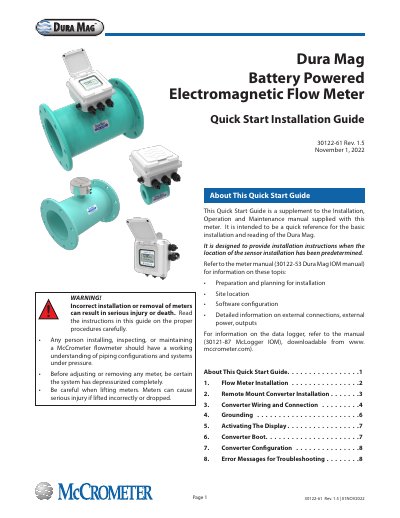
McCrometer Dura Mag Electromagnetic Flowmeter Installation Guide
This guide provides step-by-step instructions for installing the McCrometer Dura Mag electromagnetic flowmeter, including wafer-style and flanged installations, remote converter mounting, wiring connections, and grounding methods. It also covers activating the display and troubleshooting common errors. The guide emphasizes safety precautions and proper grounding to ensure accurate operation and battery life. Installation must follow specified procedures to avoid voiding warranty or compromising safety.
Covers: Flow Meter Installation · Remote Mount Converter Installation · Converter Wiring and Connection · Grounding · Activating The Display · Converter Boot
Latest McCrometer manuals
McCrometer Dura Mag Electromagnetic Flowmeter Installation Guide
Quick Start Guide 8 pages · 4.7 MB · ENQuick reference guide for installing the McCrometer Dura Mag electromagnetic flowmeter, covering sensor mounting, converter setup, wiring, grounding, and…
Which document do I need?
Quick Start Guide
The shortest path to a working setup, usually only a few pages.
Questions answered in McCrometer manuals
How should the Dura Mag be grounded?
Ground the meter using grounding rings or by connecting the sensor ground lug to an earth ground point, depending on the pipe material and environment. Refer to section 4 for detailed grounding methods.
From: McCrometer Dura Mag Electromagnetic Flowmeter Installation Guide
What is the maximum cable length for remote converter installation?
The remote converter must be installed within 25 feet of the flow meter; the cable cannot be lengthened without voiding the warranty.
From: McCrometer Dura Mag Electromagnetic Flowmeter Installation Guide