
Key facts
- Manuals
- 1
- Languages
- EN
- Last added
- 2023-10-17
Featured MAGINON manuals
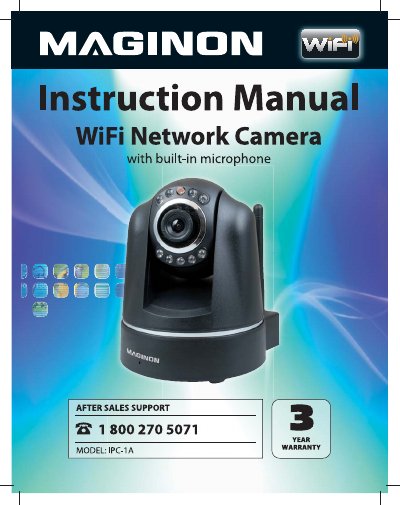
MAGINON IPC-1A WiFi Network Camera User Manual
This document is the user manual for the MAGINON IPC-1A WiFi Network Camera. It covers the unboxing process, safety warnings, and physical installation using the provided wall bracket. The guide details how to connect the device to a power source and a network, including specific steps for setting up a wireless connection and configuring the device via a web browser or the 'Maginon IPC Viewer' app.
Covers: Contents of box · Hazard, safety and warning notices · Installing the WiFi Network Camera · Setting up the WiFi Network Camera · Using the WiFi Network Camera · Settings
Latest MAGINON manuals
MAGINON IPC-1A WiFi Network Camera User Manual
User Manual 61 pages · 1.7 MB · ENThis manual provides installation, setup, and operating instructions for the MAGINON IPC-1A WiFi Network Camera, including network configuration and mobile…
Which document do I need?
User Manual
Day-to-day operation, settings and troubleshooting. Start here if the product is already set up.
Questions answered in MAGINON manuals
What is the default password for the WiFi Network Camera?
No password has been set for the admin user account when using the camera for the first time.
What is the warranty period for the camera?
The device comes with a 3 year warranty.