
Key facts
- Manuals
- 1
- Languages
- EN
- Last added
- 2023-10-21
Featured Loup Electronics manuals
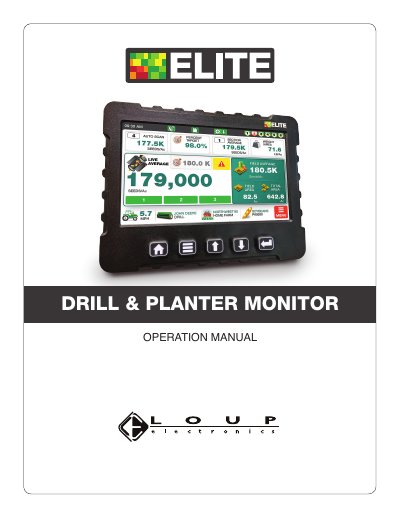
Loup Electronics Elite Drill/Planter Monitor Operation Manual
The Loup Elite Drill/Planter Monitor is a display designed for gravity drills, air seeders, and planters. It provides real-time data including ground speed, population, blockage, bin level, and shaft RPM. This manual explains how to configure the monitor, set target rates, calibrate sensors, and customize display windows. It also covers implementing settings, speed sources, and logging tasks.
The monitor supports up to 48 population sensors and 192 flow sensors, with customizable top display windows. Features include auto scan, section average, and dual product setups for covercrops. Calibration procedures for rate and population are detailed, along with GPS, radar, and shaft speed options.
Covers: Main Screen Layout · Crop & Variety Selection · Farm & Field Selection · Implement Selection · Speed & Icon Selection · Setting a Target Rate
Latest Loup Electronics manuals
Loup Electronics Elite Drill/Planter Monitor Operation Manual
User Manual 19 pages · 10.1 MB · ENUser guide for Loup Electronics' Elite Drill/Planter Monitor, covering screen layout, crop selection, speed settings, and sensor calibration.
Which document do I need?
User Manual
Day-to-day operation, settings and troubleshooting. Start here if the product is already set up.
Questions answered in Loup Electronics manuals
How do I set the target population rate?
Select the target icon in the center of the screen and enter the desired target in seeds/acre. Rates over 999,999 display in thousands, and those over 1,000,000 display in millions.
From: Loup Electronics Elite Drill/Planter Monitor Operation Manual
What types of agricultural equipment is the Loup Elite Monitor designed to monitor?
The monitor is designed to provide readings for gravity drills, air seeders, and planters.
From: Loup Electronics Elite Drill/Planter Monitor Operation Manual