
Key facts
- Manuals
- 1
- Languages
- EN
- Last added
- 2026-11-11
Featured Locinox manuals
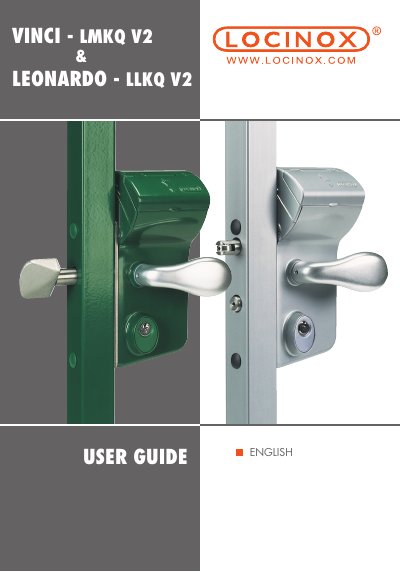
Locinox Vinci & Leonardo Mechanical Code Lock User Guide
The Locinox Vinci and Leonardo are 100% mechanical code locks for swinging and sliding gates respectively. They operate without batteries or electricity, using a double-sided code panel that allows different entrance and exit codes. The handle is released only after entering the correct code, and the code automatically resets after each use.
Both models feature a key override, adjustable bolts, and a security press plate to prevent code detection. The Vinci includes a night bolt that locks independently of the code, while the Leonardo has a stainless steel shell to protect the twist finger. Code changes require the lock to be unmounted and use the supplied hex key and code screws.
Covers: Introduction · Package contents · Components · Specifications · Profile preparation · Code setting
Latest Locinox manuals
Locinox Vinci & Leonardo Mechanical Code Lock User Guide
User Manual 12 pages · 5.3 MB · ENUser guide for Locinox Vinci and Leonardo mechanical code locks covering installation, code setting, and operation.
Which document do I need?
User Manual
Day-to-day operation, settings and troubleshooting. Start here if the product is already set up.
Questions answered in Locinox manuals
What is the default code for the Vinci and Leonardo locks?
The default code is 1-2-3-4.
From: Locinox Vinci & Leonardo Mechanical Code Lock User Guide
Can the code be changed while the lock is mounted on the gate?
No, the code can only be changed when the lock is not mounted onto the gate.
From: Locinox Vinci & Leonardo Mechanical Code Lock User Guide