
Key facts
- Manuals
- 1
- Languages
- EN
- Last added
- 2023-10-26
Featured KOELIS manuals
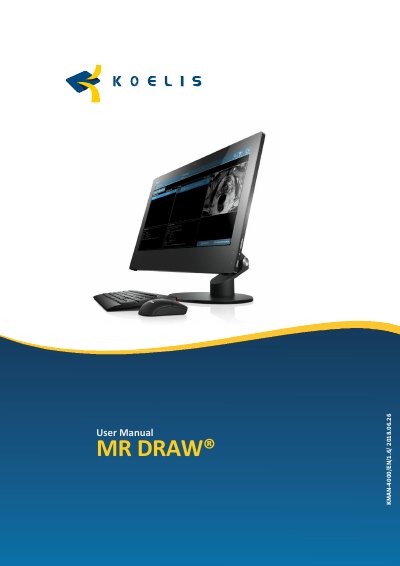
KOELIS MR DRAW® User Manual
The MR DRAW® system is a deployment system integrating the PROMAP 3D Prostate Suite software for prostate MRI contouring, region-of-interest identification, and multimodal image fusion with transrectal 3D ultrasound during biopsy. It runs on a standard computer with Microsoft Windows 7 or later, controlled via a foot pedal, mouse, and keyboard.
The manual provides instructions for system startup, software interface, image import from PACS or external media, contouring, volume measurement, fusion, and data export. It also details configuration settings, remote maintenance via TeamViewer, and accuracy specifications for distance and angle measurements.
Covers: General Information · General Description · Description of the System · Switching On and Shut Down · Presentation of MR DRAW · Protocol Description
Latest KOELIS manuals
KOELIS MR DRAW® User Manual
User Manual 36 pages · 1.5 MB · ENUser manual for the KOELIS MR DRAW® medical device, covering installation, operation, and configuration of the PROMAP 3D Prostate Suite software.
Which document do I need?
User Manual
Day-to-day operation, settings and troubleshooting. Start here if the product is already set up.
Questions answered in KOELIS manuals
What operating system does MR DRAW require?
The application operates on a standard computer using Microsoft Windows® version 7 or greater.
What are the accuracy specifications for distance measurements?
Lateral physical accuracy <±5%, axial physical accuracy <±5%, display accuracy 0.1 mm.