
Key facts
- Manuals
- 1
- Languages
- EN
- Last added
- 2026-11-10
Featured KITE manuals
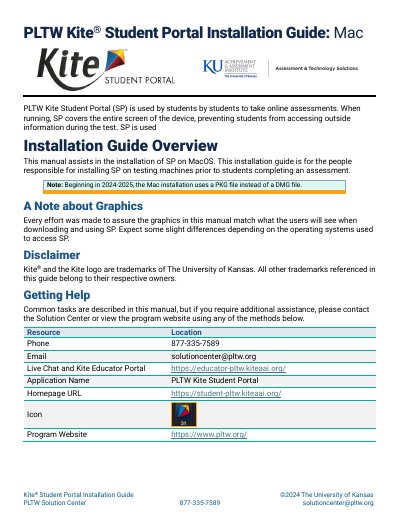
Kite Student Portal Mac Installation Guide
This guide explains how to install PLTW Kite Student Portal (SP) on Mac OS. It is intended for people responsible for installing SP on testing machines before students take an online assessment. The guide notes that, beginning in 2024-2025, the Mac installation uses a PKG file instead of a DMG file.
The document covers downloading and installing the latest version, uninstalling previous versions, opening and closing the application, and troubleshooting common issues. It also lists contact details for the PLTW Solution Center.
Covers: Overview · Getting Help · Changes to the Guide · Uninstalling Previous Versions · Downloading and Installing the Newest Version · Accessing the Application
Latest KITE manuals
Kite Student Portal Mac Installation Guide
Installation Guide 7 pages · 467 KB · ENInstallation guide for Kite Student Portal on Mac OS, covering download, PKG installation, uninstallation, access, and troubleshooting.
Which document do I need?
Installation Guide
Mounting, wiring and first power-up. Read it before the hardware goes in.
Questions answered in KITE manuals
How do I install Kite Student Portal on a Mac?
Download the Mac PKG file, open it, select Continue on the license agreement, and select Install to perform a standard installation.
What should I do if Student Portal does not quit after exiting?
Open Activity Monitor and end the process.