
Key facts
- Manuals
- 1
- Languages
- EN
- Last added
- 2023-11-12
Featured Kanto manuals
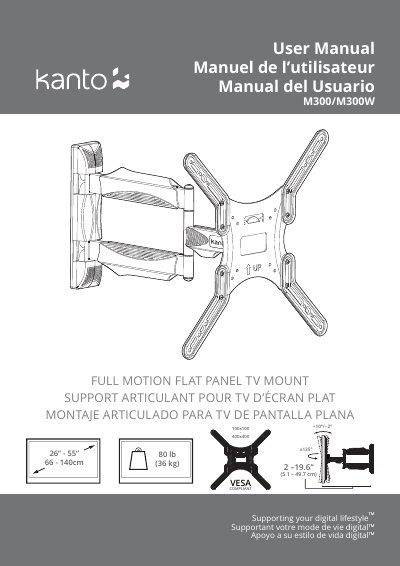
Kanto M300 Full Motion Flat Panel TV Mount User Manual
This manual provides instructions for the Kanto M300 Full Motion Flat Panel TV Mount, designed to support televisions ranging from 26 to 55 inches and weighing up to 80 lb (36 kg). The mount features articulation capabilities including a 135-degree swivel, +10/-2 degree tilt, and an extension of up to 19.6 inches from the wall. It is VESA compliant for mounting patterns from 100x100 to 400x400 mm.
Covers: Project Overview · Required Tools · Supplied Parts and Hardware · Select TV Screws and Spacers · Remove TV Plate · Attach TV Brackets
Latest Kanto manuals
Kanto M300 Full Motion Flat Panel TV Mount User Manual
User Manual 16 pages · 5 MB · ENUser manual for the Kanto M300 articulating wall mount supporting flat panel TVs from 26 to 55 inches with a maximum load of 80 lb.
Which document do I need?
User Manual
Day-to-day operation, settings and troubleshooting. Start here if the product is already set up.
Questions answered in Kanto manuals
What is the maximum weight this mount can support?
The maximum loading weight is 80 lb (36 kg).
From: Kanto M300 Full Motion Flat Panel TV Mount User Manual
Which wall types are not recommended for this mount?
This product should not be mounted on steel stud walls or cinder block walls.
From: Kanto M300 Full Motion Flat Panel TV Mount User Manual