
Key facts
- Manuals
- 1
- Languages
- EN
- Last added
- 2026-10-08
Featured Irxon manuals
IRXON BT578 RS232 Bluetooth Adapter User Manual
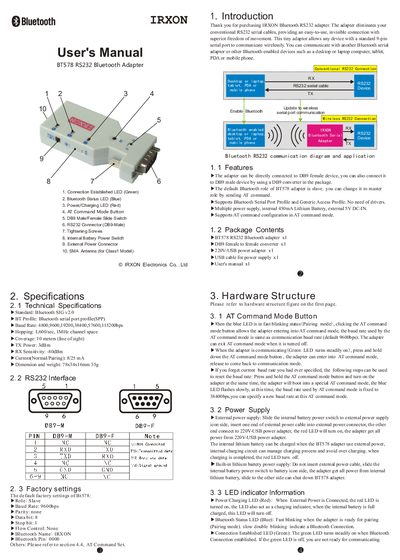
The IRXON BT578 RS232 Bluetooth Adapter replaces a standard 9‑pin serial cable with a wireless link. It works with any device that has a DB9 serial port and can communicate with Bluetooth‑enabled computers, tablets, PDAs or phones.
The manual covers hardware installation, power options, LED status meanings, AT command configuration, and troubleshooting steps such as pairing, role switching, and common error causes.
Covers: Introduction · Features and Package Contents · Technical Specifications · Hardware Structure and AT Command Mode · Power Supply and LED Indicators · Using Steps
Latest Irxon manuals
IRXON BT578 RS232 Bluetooth Adapter User Manual
User Manual 2 pages · 195 KB · ENThe IRXON BT578 manual explains how to install, configure, and use the Bluetooth RS232 adapter with AT commands and LED indicators.
Which document do I need?
User Manual
Day-to-day operation, settings and troubleshooting. Start here if the product is already set up.
Questions answered in Irxon manuals
How can I change the Bluetooth role from slave to master?
Send the AT command AT+ROLE=1 to set the adapter to master role; the default role is slave.
How do I set the adapter to use a different baud rate?
Enter AT command mode and send AT+UART=desired baud rate, stop bit, parity (e.g., AT+UART=9600,1,0). The default baud rate is 9600 bps.