
Key facts
- Manuals
- 1
- Languages
- EN
- Last added
- 2023-10-26
Featured Incredible Technologies manuals
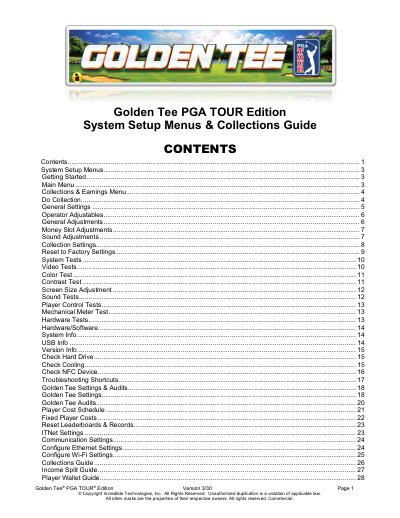
Incredible Technologies Golden Tee PGA TOUR Edition System Setup Menus & Collections Guide
This guide explains how to navigate and use the System Setup menus for the Golden Tee PGA TOUR Edition arcade game. It covers collections, earnings, operator adjustables, system tests, and ITNet settings. Users can adjust game settings, perform diagnostics, and manage revenue splits to optimize their operations.
The guide includes detailed instructions for performing collections, adjusting money slot values, configuring sound settings, and resetting to factory defaults. It also provides troubleshooting shortcuts and system tests to ensure proper game functionality.
Covers: System Setup Menus · Getting Started · Main Menu · Collections & Earnings Menu · Do Collection · General Settings
Latest Incredible Technologies manuals
Incredible Technologies Golden Tee PGA TOUR Edition System Setup Menus & Collections Guide
User Manual 36 pages · 4.1 MB · ENUser guide for configuring and managing collections, settings, and tests for the Golden Tee PGA TOUR Edition arcade game.
Which document do I need?
User Manual
Day-to-day operation, settings and troubleshooting. Start here if the product is already set up.
Questions answered in Incredible Technologies manuals
How do I enter System Setup mode?
Open the coin door and press the Test button, or move the DIP switch SW202 position 4 to the ON position.
From: Incredible Technologies Golden Tee PGA TOUR Edition System Setup Menus & Collections Guide
What is the default game mode?
The default game mode is Money Play.
From: Incredible Technologies Golden Tee PGA TOUR Edition System Setup Menus & Collections Guide