
Key facts
- Manuals
- 1
- Languages
- EN
- Last added
- 2023-10-31
Featured IMOU manuals
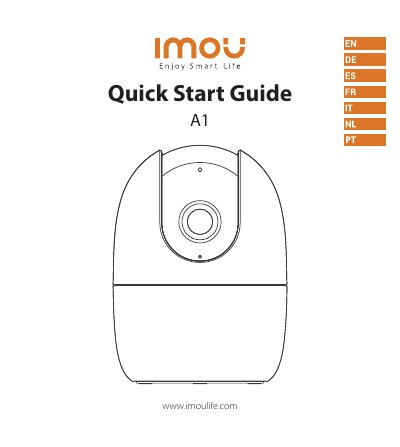
IMOU A1 Camera Quick Start Guide
The IMOU A1 Camera Quick Start Guide introduces the camera and lists the included items, such as the camera, power cable, power adapter, positioning map, and guide. It explains how to reset the camera and interpret the LED indicator during power-on, rebooting, network waiting, firmware updating, and operation.
It also provides setup guidance for Wi-Fi, notes optional ceiling mounting, and gives troubleshooting steps for failed setup, no picture, unclear picture, no audio, human detection, camera shielding, and QR code reading.
Covers: Welcome · Package content · Camera introduction · LED Status · Imou Life Tips · Setup
Latest IMOU manuals
IMOU A1 Camera Quick Start Guide
Quick Start Guide 56 pages · 7.2 MB · ENIMOU A1 Camera Quick Start Guide covers package contents, setup, LED status, Wi-Fi configuration, mounting, and troubleshooting.
Which document do I need?
Quick Start Guide
The shortest path to a working setup, usually only a few pages.
Questions answered in IMOU manuals
How do I reset the IMOU A1 camera?
Press and hold the reset button for 10 seconds to reset the camera.
What should I check if the IMOU A1 camera cannot be set up?
Make sure the mobile device and camera are within range of the Wi-Fi router, then reset the camera and connect it again.