
Key facts
- Manuals
- 3
- Languages
- EN
- Last added
- 2023-10-18
Featured i-Track manuals
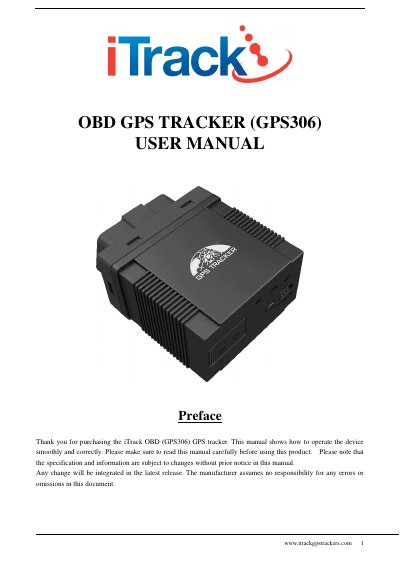
iTrack GPS306 OBD GPS Tracker User Manual
This manual provides instructions for the iTrack OBD (GPS306) GPS tracker, a device based on WCDMA/GSM/GPRS networks and GPS satellite positioning. It is designed for vehicle management and location tracking by simply plugging into the car's OBDII interface without wiring. The device features a built-in antenna and supports various OBD protocols to read data from compatible vehicles.
Covers: Introduction · Applications · Product Appearance · Specification · OBD Compatibility · SIM Card Installation
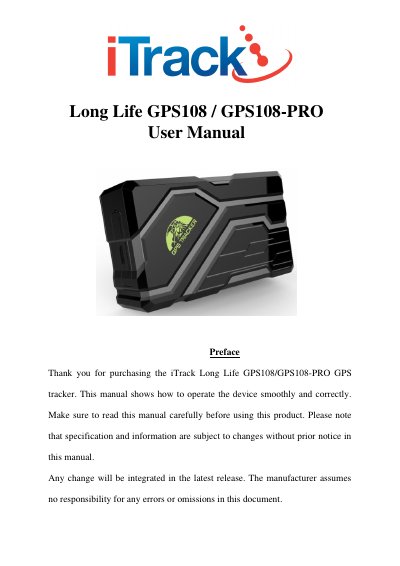
iTrack GPS108/GPS108-PRO GPS Tracker User Manual
This document is the user manual for the iTrack Long Life GPS108 and GPS108-PRO GPS trackers. It covers the device's introduction, accessories, and detailed specifications including dimensions, weight, network bands, and battery capacity. The manual also provides specific installation instructions for the GPS108-PRO model, including hard-wiring diagrams and SIM card insertion steps.
Covers: Introduction · Accessories · Specifications · Quick Charger · Installation · LED Indicators
iTrack Live GPS Tracking Platform User Manual
This manual describes the iTrack Live GPS tracking platform, a professional software solution compatible with a wide range of GPS trackers. It guides users through the initial setup, including configuring the physical GPS tracker using specific SMS commands for network providers like O2, Vodafone, and T-Mobile. The guide also details how to create a user account and log in to the platform.
Covers: Configure GPS Tracker · Create User Account · Workspace Overview · Dashboard · Reports · Settings
Latest i-Track manuals
iTrack GPS306 OBD GPS Tracker User Manual
User Manual 20 pages · 403 KB · ENUser manual for the iTrack GPS306 OBD GPS tracker covering installation, SMS commands, vehicle compatibility, and platform usage.
iTrack GPS108/GPS108-PRO GPS Tracker User Manual
User Manual 20 pages · 452 KB · ENThis manual provides operating instructions, specifications, and setup guides for the iTrack Long Life GPS108 and GPS108-PRO GPS trackers.
iTrack Live GPS Tracking Platform User Manual
User Manual 21 pages · 946 KB · ENUser manual for the iTrack Live GPS tracking platform, covering device configuration via SMS, account creation, dashboard usage, and subscription management.
Which document do I need?
User Manual
Day-to-day operation, settings and troubleshooting. Start here if the product is already set up.
Questions answered in i-Track manuals
What is the default password for the tracker?
The default password is 123456.
Which vehicles are compatible with this tracker?
It applies to US gasoline vehicles sold after 1996, Chinese domestic cars sold after 2003, European gasoline vehicles sold after 2001, and diesel vehicles sold after 2004.
What is the default password for the tracker?
The default password is 123456.
How long does it take to charge the battery?
The charge time of the battery is approximately 7-9 hours.
How do I configure my GPS tracker for iTrack Live?
You must configure the device by sending specific SMS commands, such as 'beginl23456' and 'fixO60s', to set up the connection.
What is the default APN for O2 Pay Monthly?
The correct APN code for O2 Pay Monthly is 'mobile.o2.co.uk'.