
Key facts
- Manuals
- 1
- Languages
- EN
- Last added
- 2023-10-20
Featured Gatan manuals
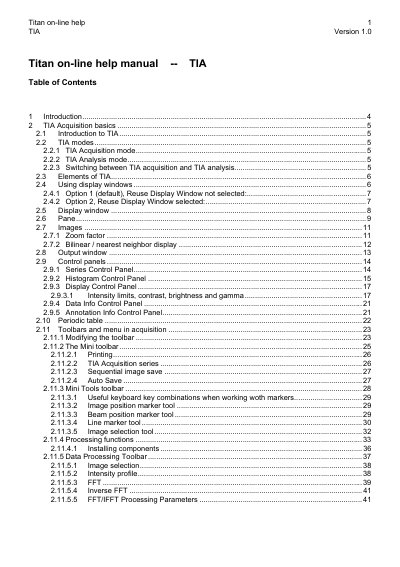
Gatan Titan TIA Version 1.0 Online Help Manual
This manual explains how to use the Titan TIA software for acquiring and analyzing TEM images and spectra. It covers two main modes: acquisition mode for collecting data and analysis mode for viewing and manipulating data. The guide includes instructions for using display windows, control panels, toolbars, and various data processing functions.
The software integrates with TEM microscope software and is controlled via TEM UI control panels for functions like STEM imaging, EDX spectroscopy, and PEELS spectrum acquisition. Users can switch between acquisition and analysis modes based on the TEM UI view format, and the manual provides tips for managing data, saving results, and using features like AutoSave to prevent data loss.
Covers: Introduction · TIA Acquisition Basics · CCD / TV (Titan UI Control Panel) · TIA CCD Image Acquisition · TIA Video Image Acquisition · STEM Imaging (Expert)
Latest Gatan manuals
Gatan Titan TIA Version 1.0 Online Help Manual
User Manual 101 pages · 1.8 MB · ENUser guide for Gatan Titan TIA Version 1.0, covering acquisition and analysis modes for TEM imaging and spectrum data.
Which document do I need?
User Manual
Day-to-day operation, settings and troubleshooting. Start here if the product is already set up.
Questions answered in Gatan manuals
What are the two main modes in TIA?
TIA has two main modes: Acquisition mode for collecting data and Analysis mode for viewing and manipulating data.
How do I switch between TIA acquisition and analysis modes?
Switching is controlled by the TEM User Interface view format: Full screen for acquisition and Taskbar only for analysis.