
Key facts
- Manuals
- 1
- Languages
- EN
- Last added
- 2026-11-23
Featured EZ Health manuals
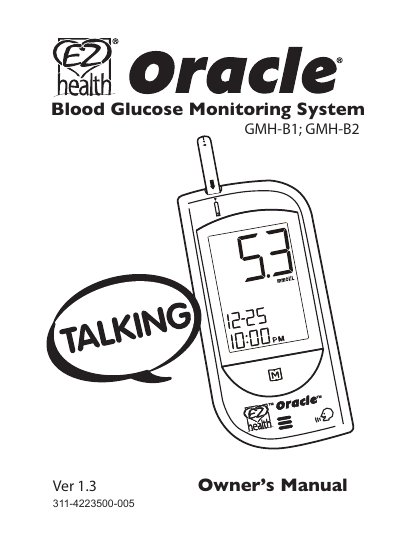
EZ Health Oracle GMH-B1/B2 Blood Glucose Monitoring System Owner's Manual
The EZ Health Oracle GMH-B1/B2 system is an in vitro diagnostic device designed for home and clinical use to test glucose levels in fresh capillary whole blood. A key feature is its bilingual speaking function, which offers audio guidance in English and French, making it suitable for users with visual disabilities. The system utilizes an Autocode function that eliminates the need for calibration, allowing for easy monitoring of blood glucose levels.
Covers: Important Safety Instructions · About Alternative Site Testing · Introduction of the System · Preparation Before Use · Testing Your Blood · Comparing Meter and Laboratory Results
Latest EZ Health manuals
EZ Health Oracle GMH-B1/B2 Blood Glucose Monitoring System Owner's Manual
User Manual 56 pages · 3.1 MB · ENThis manual provides operating instructions, safety guidelines, and specifications for the EZ Health Oracle GMH-B1/B2 blood glucose monitoring system.
Which document do I need?
User Manual
Day-to-day operation, settings and troubleshooting. Start here if the product is already set up.
Questions answered in EZ Health manuals
What is the Autocode function?
The Autocode function means there is no need to calibrate the meter, allowing for easy monitoring of blood glucose.
From: EZ Health Oracle GMH-B1/B2 Blood Glucose Monitoring System Owner's Manual
Can I test blood glucose on sites other than my fingertips?
Yes, the system allows testing on the palm, forearm, upper arm, calf, or thigh, but results may differ if glucose levels are changing rapidly.
From: EZ Health Oracle GMH-B1/B2 Blood Glucose Monitoring System Owner's Manual