
Key facts
- Manuals
- 1
- Languages
- EN
- Last added
- 2023-10-21
Featured Esco Medical manuals
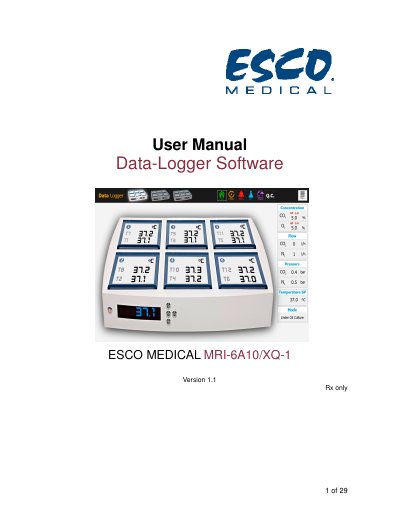
ESCO MEDICAL MRI-6A10/XQ-1 Data-Logger User Manual
This manual provides instructions for installing and using the data-logger software for the ESCO MEDICAL MRI-6A10/XQ-1 incubator. It covers system requirements, software installation steps, and how to operate the software to monitor temperature, CO2, O2, pH, and alarm conditions. The software also includes QC and report features for data analysis and troubleshooting.
The incubator is designed for in vitro fertilization (IVF) and assisted reproduction technology (ART) treatments, providing controlled temperature and gas environments. The data-logger software helps users track and analyze incubator conditions, with automatic email and SMS alerts for alarm events.
Covers: Welcome · Reading Instructions for the Manual · Explanation of Symbols Used in Manual · Indications for Use · About the Product · About the Data-Logger Software
Latest Esco Medical manuals
ESCO MEDICAL MRI-6A10/XQ-1 Data-Logger User Manual
User Manual 29 pages · 2.7 MB · ENUser manual for ESCO MEDICAL MRI-6A10/XQ-1 data-logger software, covering installation, operation, and alarm functions.
Which document do I need?
User Manual
Day-to-day operation, settings and troubleshooting. Start here if the product is already set up.
Questions answered in Esco Medical manuals
What is the purpose of the Data-Logger Software?
The Data-Logger Software is an information-providing tool to help users get a quick status overview of the main running conditions, analyze conditions, and store or print them.
Can the alarm conditions be set by the user?
No, the alarm conditions cannot be user set. Email is sent only when the alarm state changes.