
Key facts
- Manuals
- 1
- Languages
- EN
- Last added
- 2023-10-27
Featured Define Instruments manuals
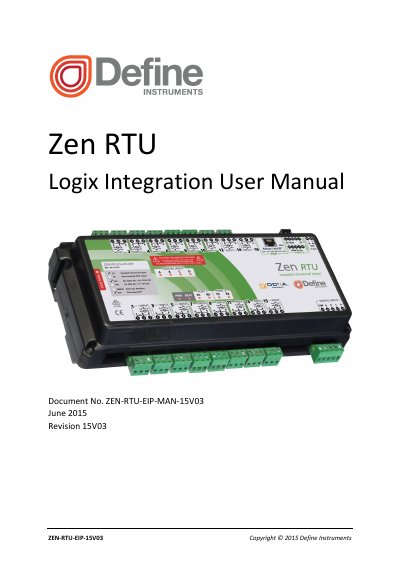
Define Instruments Zen RTU Logix Integration User Manual
This manual guides users through integrating the Zen RTU device into a Rockwell Automation Logix system using either a Generic Module Profile or EDS Add-on-Profile (AOP). It covers installing the EDS file, configuring the module, mapping data, and operating the device. The Zen RTU supports EtherNet/IP™ Class 1 IO for cyclic data exchange with Logix systems.
The manual includes step-by-step instructions for Studio 5000 Version 20 or higher, with figures and examples in ACD and L5X formats. It also details input and output assemblies, communication status, digital and analog inputs/outputs, and counters. The document is versioned and dated June 2015, with revision 15V03.
Covers: Preface · Configuration Using EDS AOP · Configuration Using the Generic Profile · Operation · Assembly Structure
Latest Define Instruments manuals
Define Instruments Zen RTU Logix Integration User Manual
User Manual 40 pages · 1.3 MB · ENUser manual for integrating Define Instruments Zen RTU into Rockwell Automation Logix systems via EtherNet/IP.
Which document do I need?
User Manual
Day-to-day operation, settings and troubleshooting. Start here if the product is already set up.
Questions answered in Define Instruments manuals
What software version is required to configure the Zen RTU using the EDS Add-on-Profile?
Configuration using the EDS Add-on-Profile requires Studio 5000 version 20 or higher.
From: Define Instruments Zen RTU Logix Integration User Manual
What is the name of the EDS file that must be installed for the Zen RTU?
The required EDS file is named 03AC000C00C90100.EDS.
From: Define Instruments Zen RTU Logix Integration User Manual