
Key facts
- Manuals
- 1
- Languages
- EN
- Last added
- 2023-10-19
Featured Datamars manuals
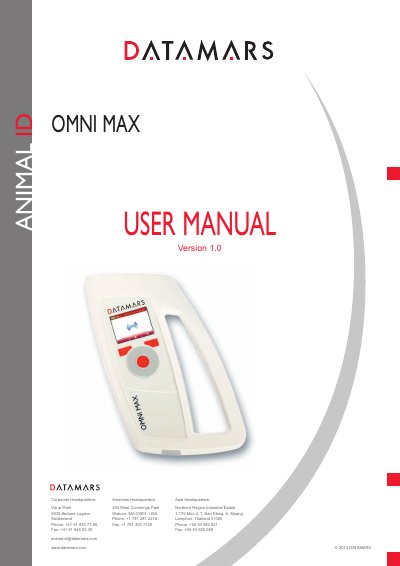
Datamars OMNI MAX Universal Scanner User Manual
The OMNI MAX is a portable universal scanner designed for animal identification, capable of reading various microchip standards including FDX-B, FDX-A, Trovan, and HDX. It features an innovative antenna for improved read range and includes USB and Bluetooth connectivity options. The manual covers basic operation, scanning techniques, battery management, settings, and care instructions.
It also includes troubleshooting tips and compliance certifications for use in different regions, with detailed instructions on how to switch the device on and off, access menus, scan microchips, and manage settings such as brightness, time, and recording.
Covers: Introduction · OMNI MAX Basics · Using OMNI MAX to Scan Microchips · Charging the Battery · OMNI MAX Settings · Command Interface
Latest Datamars manuals
Datamars OMNI MAX Universal Scanner User Manual
User Manual 21 pages · 604 KB · ENUser guide for Datamars OMNI MAX universal microchip scanner for animal identification, covering operation, settings, charging, and troubleshooting.
Which document do I need?
User Manual
Day-to-day operation, settings and troubleshooting. Start here if the product is already set up.
Questions answered in Datamars manuals
Which microchips can OMNI MAX scan?
OMNI MAX can read FDX-B (ISO), FDX-A/FECAVA, Trovan, and either HDX ISO or Avid encrypted, depending on the reader version.
What is the battery indicator for?
The battery indicator shows the charge level and charging status: a thunderbolt indicates charging, and specific icons indicate low power or full power.