
Key facts
- Manuals
- 1
- Languages
- ES
- Last added
- 2026-11-06
Featured Ctouch manuals
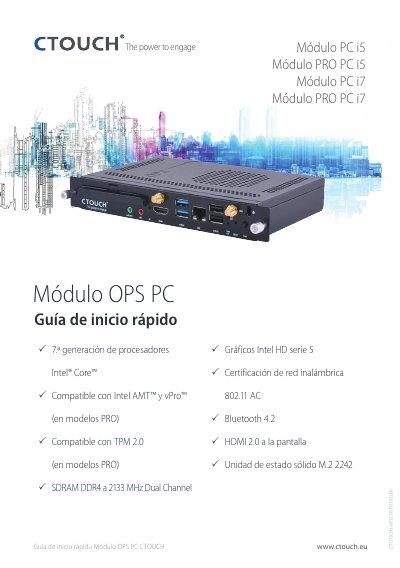
CTOUCH CTOUCHimPD987V18028 OPS PC Module Quick Start Guide
This document is a quick start guide for the CTOUCH CTOUCHimPD987V18028 OPS PC Module. It provides an overview of the module's technical specifications, including support for Intel Core 37th generation processors, Intel AMT and vPro compatibility, and wireless networking standards. The guide also lists the components included in the packaging. This manual is written in Spanish.
Covers: Technical Specifications · Packaging List · Installation Instructions · Connectivity Panel · Safety Precautions
Latest Ctouch manuals
CTOUCH CTOUCHimPD987V18028 OPS PC Module Quick Start Guide
Quick Start Guide 2 pages · 1.2 MB · ESQuick start guide for the CTOUCH CTOUCHimPD987V18028 OPS PC Module, covering specifications, packaging list, and installation instructions.
Which document do I need?
Quick Start Guide
The shortest path to a working setup, usually only a few pages.
Questions answered in Ctouch manuals
How should the OPS PC module be installed?
Ensure the ventilation hole of the OPS PC module is oriented towards the OPS slot exhaust of the device. Incorrect insertion can result in a defective module or compatible device.
From: CTOUCH CTOUCHimPD987V18028 OPS PC Module Quick Start Guide
What processor generation does the CTOUCHimPD987V18028 module use?
The module uses 37th generation Intel Core processors.
From: CTOUCH CTOUCHimPD987V18028 OPS PC Module Quick Start Guide