
Key facts
- Manuals
- 1
- Languages
- EN
- Last added
- 2023-10-19
Featured Comelit manuals
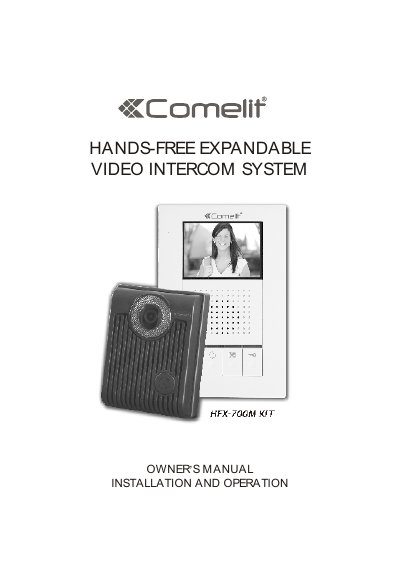
Comelit HFX-700M KIT Hands-Free Expandable Video Intercom System User Manual
This manual provides step-by-step instructions for installing and operating the Comelit HFX-700M KIT, a hands-free expandable video intercom system. It includes details on main monitor and door camera setup, expansion video and audio monitors, push-to-talk mode, and jumper settings. The guide also covers troubleshooting and safety precautions to ensure proper use and avoid damage or hazards.
The system supports up to four indoor monitors and two door cameras, with optional expansion units for video (EX-700H) or audio (EX-700A). It uses a 2-wire installation and allows users to visually identify and communicate with visitors via two-way intercom, with features like door release, broadcast, and push-to-talk modes.
Covers: Introduction · HFX-700M KIT Parts Identification · HFX-700M KIT Operation · Expansion Video Monitor (EX-700H) · Expansion Audio Monitor (EX-700A) · Installation
Latest Comelit manuals
Comelit HFX-700M KIT Hands-Free Expandable Video Intercom System User Manual
User Manual 36 pages · 1019 KB · ENUser manual for Comelit's HFX-700M KIT, covering installation, operation, and expansion options for video intercom systems.
Which document do I need?
User Manual
Day-to-day operation, settings and troubleshooting. Start here if the product is already set up.
Questions answered in Comelit manuals
How long does the system stay active after a visitor presses the call button if no buttons are pressed?
The system will time out after 30 seconds if nothing on the monitor is pressed.
From: Comelit HFX-700M KIT Hands-Free Expandable Video Intercom System User Manual
How long does the broadcast mode last before another monitor can answer the call?
The broadcast mode can last for 20 seconds before another monitor can answer.
From: Comelit HFX-700M KIT Hands-Free Expandable Video Intercom System User Manual