
Key facts
- Manuals
- 1
- Languages
- EN
- Last added
- 2026-10-16
Featured CNC4PC manuals
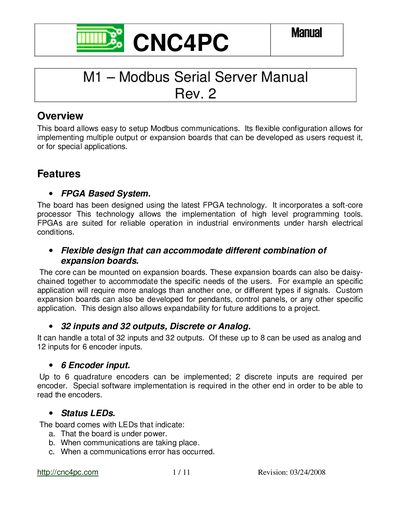
CNC4PC M1 Modbus Serial Server User Manual
The CNC4PC M1 is a flexible, FPGA-based Modbus Serial Server designed for industrial environments. It supports 32 inputs and 32 outputs, including discrete, analog, and encoder inputs, and allows for the use of various expansion boards to customize I/O requirements. The system features status LEDs and supports RS232/RS485 communications with upgradeable firmware accessible via HyperTerminal.
Covers: Overview · Features · Use of Expansion Boards · Board Modbus addresses · RS232 Communications · HyperTerminal Access
Latest CNC4PC manuals
CNC4PC M1 Modbus Serial Server User Manual
User Manual 11 pages · 1.7 MB · ENThis manual covers the setup, configuration, and firmware upgrade procedures for the CNC4PC M1 Modbus Serial Server and its expansion boards.
Which document do I need?
User Manual
Day-to-day operation, settings and troubleshooting. Start here if the product is already set up.
Questions answered in CNC4PC manuals
What is the default Modbus address for the M1 board?
The default Modbus address for the board is 1, but it can be changed via the configuration menu.
How do you upgrade the firmware?
Place the core board in an expansion board, connect a serial cable to the computer, and press 'U' in HyperTerminal to update.