
Key facts
- Manuals
- 2
- Languages
- EN
- Last added
- 2026-10-19
Featured Clearswift manuals
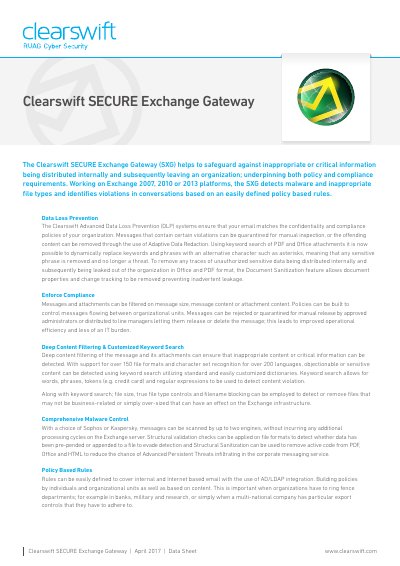
Clearswift SECURE Exchange Gateway Data Sheet
The Clearswift SECURE Exchange Gateway (SXG) is an off-box solution designed to safeguard against inappropriate or critical information being distributed within an organization. It ensures that email messages match confidentiality and compliance policies by quarantining violations or removing sensitive content through Adaptive Data Redaction and Document Sanitization features.
Covers: Data Loss Prevention · Compliance Policies · Deep Content Filtering · Malware Control · Policy Based Rules · Monitor Mode
Clearswift Secure ICAP Gateway Version 5.4.2 Installation and Getting Started Guide
This guide provides instructions for administrators installing Clearswift Secure ICAP Gateway onto a virtual machine or physical server running Red Hat Enterprise Linux (RHEL) 7.8. It covers procedures and requirements necessary for a full installation, including hardware prerequisites and supported platforms.
Covers: About this guide · Before installing · Types of installation · Hardware requirements · Installing from ISO image · Configuring Secure ICAP Gateway
Latest Clearswift manuals
Clearswift SECURE Exchange Gateway Data Sheet
Datasheet 4 pages · 1.1 MB · ENThis datasheet details the Clearswift SECURE Exchange Gateway, covering its data loss prevention capabilities, malware control options, and support for…
Clearswift Secure ICAP Gateway Version 5.4.2 Installation and Getting Started Guide
Installation Guide 36 pages · 363 KB · ENInstallation and getting started guide for Clearswift Secure ICAP Gateway Version 5.4.2, covering setup on Red Hat Enterprise Linux 7.8.
Which document do I need?
Datasheet
Ratings, dimensions and ordering codes, for selection and design work.
Installation Guide
Mounting, wiring and first power-up. Read it before the hardware goes in.
Questions answered in Clearswift manuals
How does the SXG handle sensitive data in Office and PDF attachments?
It uses Adaptive Data Redaction to dynamically replace keywords with characters like asterisks, or Document Sanitization to remove document properties and change tracking.
What malware scanning engines are supported?
The system offers a choice of Sophos or Kaspersky engines to scan messages.
What is the minimum hardware requirement for testing?
A minimum of 8 GB RAM and a 120 GB hard drive is required for testing and demonstration environments.
From: Clearswift Secure ICAP Gateway Version 5.4.2 Installation and Getting Started Guide
What are the recommended hardware specs for production?
Clearswift recommends a minimum of 16 GB RAM and 200 GB hard drive for production environments.
From: Clearswift Secure ICAP Gateway Version 5.4.2 Installation and Getting Started Guide