
Key facts
- Manuals
- 1
- Languages
- EN
- Last added
- 2023-10-27
Featured Clean Air Optima manuals
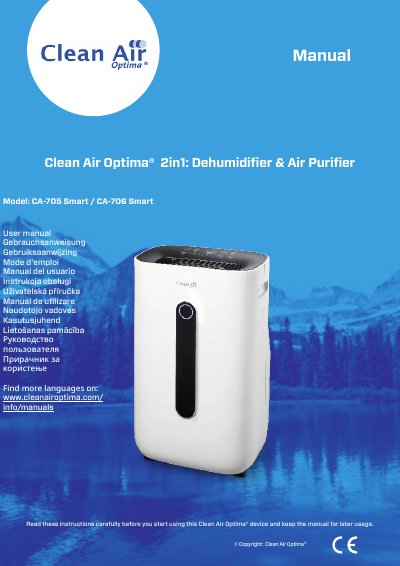
Clean Air Optima CA-705/CA-706 Smart 2in1 Dehumidifier & Air Purifier User Manual
This manual provides instructions for the Clean Air Optima CA-705 Smart and CA-706 Smart 2in1 Dehumidifier & Air Purifier. It details the device components, including the control panel, digital display, and filtration system consisting of a pre-filter, activated carbon filter, and True HEPA H13 filter. The document outlines safety precautions, such as ensuring proper ventilation and avoiding use in extreme temperatures.
Covers: Safety warnings · Installation · Control panel / Operation instruction · Continuous Air Purification · Timer and Sleep mode · Water Tank and Drainage
Latest Clean Air Optima manuals
Clean Air Optima CA-705/CA-706 Smart 2in1 Dehumidifier & Air Purifier User Manual
User Manual 210 pages · 3.3 MB · ENUser manual for the Clean Air Optima CA-705/CA-706 Smart 2in1 Dehumidifier & Air Purifier, covering installation, operation, and maintenance.
Which document do I need?
User Manual
Day-to-day operation, settings and troubleshooting. Start here if the product is already set up.
Questions answered in Clean Air Optima manuals
How do I reset the WiFi connection?
Switch the device off, then press the 'Mode' button for 5 seconds until the WiFi indicator blinks rapidly.
From: Clean Air Optima CA-705/CA-706 Smart 2in1 Dehumidifier & Air Purifier User Manual
When should I replace the filters?
Replace the Activated Carbon Filter and True HEPA H13 Filter every 3 – 6 months, or when the device signals after 1000 working hours.
From: Clean Air Optima CA-705/CA-706 Smart 2in1 Dehumidifier & Air Purifier User Manual