
Key facts
- Manuals
- 1
- Languages
- EN
- Last added
- 2023-11-06
Featured CELLALLURE manuals
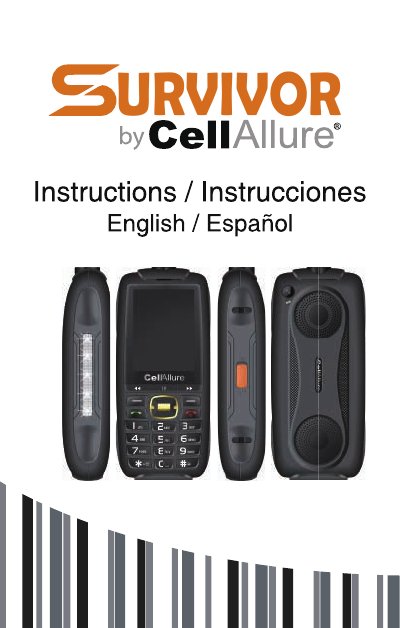
CellAllure URVIVOR 1 Mobile Phone User Guide
CellAllure URVIVOR 1 is a three-SIM mobile phone with a 2.8-inch screen, 0.08M camera, music, BT music, FM radio, video player, FM recording, and T-Flash card support up to 32 GB. The guide covers inserting SIM and memory cards, basic operations, contacts, messages, call logs, settings, audio, video, camera, internet, FM radio, profiles, image, alarm, recorder, calculator, tools, files, and games.
It explains security features such as phone lock with default code 1234, blacklist and whitelist, file management, and internet connection via GPRS. It also includes care and handling recommendations and warranty disclaimers.
Covers: Welcome · Know Your Phone · Basic Operations · Notable Features · Contacts · Messages
Latest CELLALLURE manuals
CellAllure URVIVOR 1 Mobile Phone User Guide
User Manual 28 pages · 1.3 MB · ENUser guide for the CellAllure URVIVOR 1 three-SIM mobile phone, covering setup, calls, messages, settings, media, FM radio, tools, and care.
Which document do I need?
User Manual
Day-to-day operation, settings and troubleshooting. Start here if the product is already set up.
Questions answered in CELLALLURE manuals
What is the default security code?
The default security code to unlock the phone is 1234.
How do I unlock the phone?
Press any key to activate the screen, then press the Left key and the * key.