
Key facts
- Manuals
- 1
- Languages
- EN
- Last added
- 2023-10-19
Featured CAVS manuals
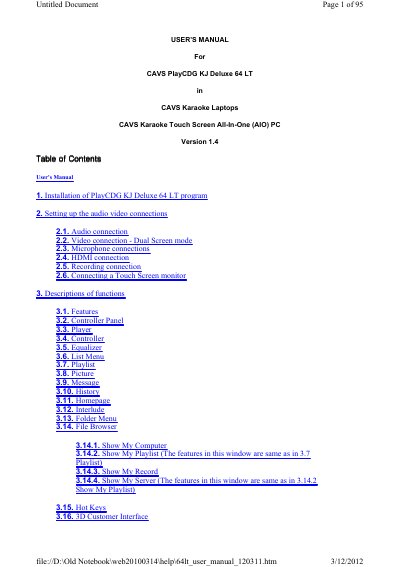
CAVS PlayCDG KJ Deluxe 64 LT User Manual
This manual provides step-by-step instructions for installing and configuring the CAVS PlayCDG KJ Deluxe 64 LT karaoke software on Windows PCs or laptops. It covers audio and video connections, microphone setup, HDMI and recording configurations, and touch screen monitor integration. The guide also explains how to load songs, manage playlists, and use the 3D customer interface for karaoke performance.
The software is designed for 64-bit Windows systems and can be downloaded or pre-installed on CAVS karaoke laptops and all-in-one PCs. Additional hardware setup is required for optimal performance, including installing DirectX and FFDshow codecs.
Covers: Installation of PlayCDG KJ Deluxe 64 LT program · Setting up audio video connections · Descriptions of functions · Loading contents into a hard drive · How to operate · How to print Song List
Latest CAVS manuals
CAVS PlayCDG KJ Deluxe 64 LT User Manual
User Manual 95 pages · 4.6 MB · ENUser guide for CAVS PlayCDG KJ Deluxe 64 LT karaoke software, covering installation, audio/video setup, and operation.
Which document do I need?
User Manual
Day-to-day operation, settings and troubleshooting. Start here if the product is already set up.
Questions answered in CAVS manuals
What systems is PlayCDG KJ Deluxe 64 LT compatible with?
The program is designed for 64-bit Windows environments such as Windows 7 Home Premium 64bit or higher.
What operating systems are required to run the PlayCDG KJ Deluxe 64 LT program?
The program is designed exclusively for 64-bit environments such as Windows 7 Home Premium 64bit or higher.