
Key facts
- Manuals
- 1
- Languages
- EN
- Last added
- 2023-10-20
Featured Cachelan manuals
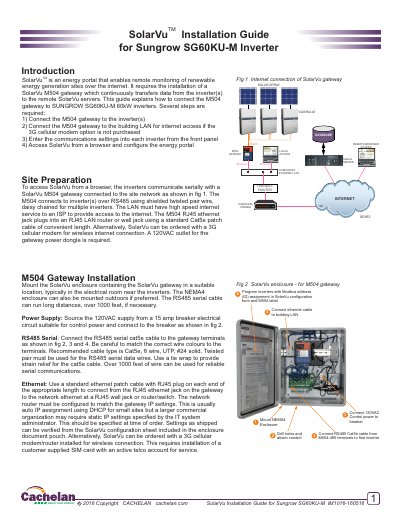
Cachelan SolarVu M504 Gateway Installation Guide
This guide explains how to install the SolarVu M504 gateway to connect Sungrow SG60KU-M inverters to a network and configure them for remote monitoring. Steps include mounting the enclosure, connecting power and Ethernet, wiring RS485 serial cables, and configuring inverter communication settings. The gateway requires an internet connection to transmit data to SolarVu servers. Testing and troubleshooting are covered to verify correct operation.
The document includes wiring diagrams, configuration instructions for inverters, and indicator light explanations for status verification. It assumes the user has basic networking knowledge and access to a browser for SolarVu setup.
Covers: Site Preparation · Power Supply · RS485 Serial Connection · Ethernet Connection · Inverter Communication Wiring · Inverter Configuration Steps
Latest Cachelan manuals
Cachelan SolarVu M504 Gateway Installation Guide
Installation Guide 6 pages · 1.5 MB · ENStep-by-step guide to install and configure the SolarVu M504 gateway for Sungrow SG60KU-M inverters.
Which document do I need?
Installation Guide
Mounting, wiring and first power-up. Read it before the hardware goes in.
Questions answered in Cachelan manuals
How do I connect the M504 gateway to the inverter(s)?
Connect RS485 Cat5e cable from M504-485 terminals to the first inverter, daisy chaining for multiple inverters. Match wire colors to terminals and use twisted pair for data wires.
What is required for internet access?
Connect the M504 gateway to a building LAN with high-speed internet service to an ISP. Alternatively, use a 3G cellular modem for wireless connection.