
Key facts
- Manuals
- 1
- Languages
- ZH
- Last added
- 2026-10-15
Featured Blueair manuals
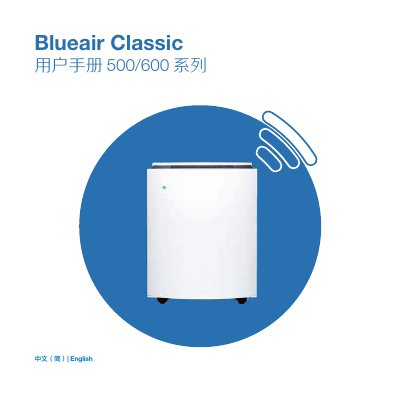
Blueair Classic 500/600 Air Purifier User Manual
The Blueair Classic 500 and 600 series air purifiers feature Wi-Fi connectivity and built-in sensors for PM2.5, VOCs, temperature, and humidity. Users can control the device manually via touch buttons or remotely using the Blueair Friend mobile app. The unit offers manual speed settings (1, 2, 3) and an automatic mode that adjusts based on air quality readings. This manual is written in Chinese.
Covers: Overview · Control Settings · Safety Information · Device Placement · Getting Started · Control Panel and Touch Keys
Latest Blueair manuals
Blueair Classic 500/600 Air Purifier User Manual
User Manual 18 pages · 2.6 MB · ZHThis manual provides operating instructions, safety information, filter replacement, and maintenance guidelines for the Blueair Classic 500 and 600 series…
Which document do I need?
User Manual
Day-to-day operation, settings and troubleshooting. Start here if the product is already set up.
Questions answered in Blueair manuals
How do I connect the air purifier to the Blueair Friend app?
Open the flip cover and hold the Wi-Fi touch button until the Wi-Fi symbol starts flashing.
What does the orange status light indicate?
An orange status light indicates that the air quality is moderately to severely polluted or that the filter needs replacement.