
Key facts
- Manuals
- 1
- Languages
- EN
- Last added
- 2023-10-18
Featured BBQ Guru manuals
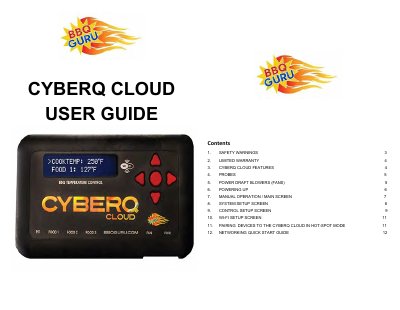
BBQ Guru CyberQ Cloud User Guide
This manual provides instructions for the BBQ Guru CyberQ Cloud, a cloud-enabled controller for grills and smokers. It details safety warnings, features such as the adaptive control algorithm and patented ramp feature, and specifications for included probes and fans. The guide covers powering up the unit, manual operation modes, and how to access the system setup screen to adjust settings like scrolling, backlight, and units.
Covers: Safety Warnings · Limited Warranty · CyberQ Cloud Features · Probes · Power Draft Blowers · Powering Up
Latest BBQ Guru manuals
BBQ Guru CyberQ Cloud User Guide
User Manual 7 pages · 557 KB · ENUser guide for the BBQ Guru CyberQ Cloud controller covering safety, features, probe and fan setup, operation, and system configuration.
Which document do I need?
User Manual
Day-to-day operation, settings and troubleshooting. Start here if the product is already set up.
Questions answered in BBQ Guru manuals
What happens if the Wi-Fi signal is lost during cooking?
The CyberQ will automatically revert to manual mode, ensuring the cook is not interrupted by internet or Wi-Fi problems.
How do I access the System Setup Screen?
Hold both the UP and DOWN buttons simultaneously for 3 seconds to access the System Setup Screen.