
Key facts
- Manuals
- 2
- Languages
- EN
- Last added
- 2026-11-04
Featured Baby TEL manuals
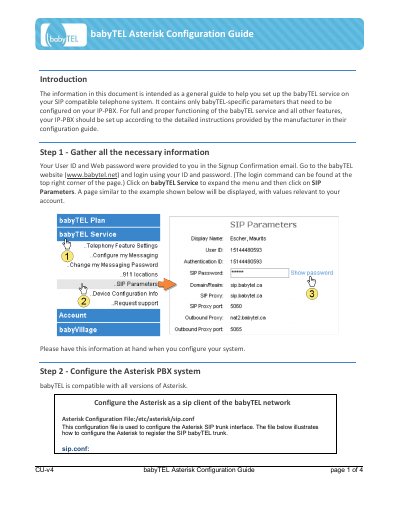
babyTEL CU-v4 Asterisk Configuration Guide
This document serves as a general guide to help users set up the babyTEL service on their SIP-compatible telephone system. It focuses specifically on the parameters required to configure the Asterisk PBX system for the babyTEL network. The guide assumes the user has already installed Asterisk and provides instructions on how to register the SIP trunk.
Covers: Introduction · Gather necessary information · Configure Asterisk PBX system · sip.conf settings · extensions.conf settings · Security notes
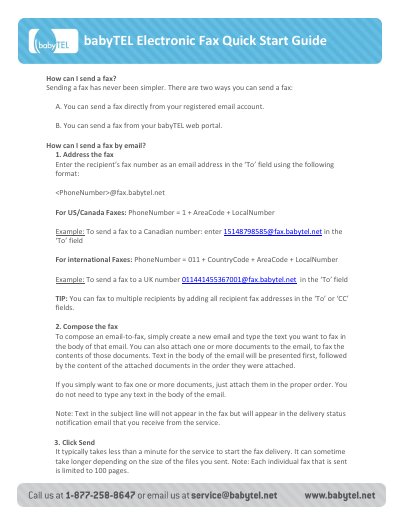
babytel Electronic Fax Quick Start Guide
This guide explains how to send faxes using email or the babyTEL web portal. You can send faxes by addressing them to fax.babytel.net or through the web portal’s Composer. Received faxes appear as PDF attachments in email or via the web portal. Supported file types include DOC, PDF, JPG, and more. Billing details are accessible via the web portal's Account tab.
Covers: How to Send a Fax by Email · How to Send a Fax from the Web Portal · How to Confirm Sent Faxes · How to View Received Faxes · Supported Document Types · Viewing Billing Information
Latest Baby TEL manuals
babyTEL CU-v4 Asterisk Configuration Guide
User Manual 4 pages · 215 KB · ENA guide for configuring the babyTEL CU-v4 service on a SIP-compatible Asterisk PBX system, including sip.conf and extensions.conf examples.
babytel Electronic Fax Quick Start Guide
Quick Start Guide 3 pages · 328 KB · ENLearn how to send and receive faxes via email or web portal with babytel's electronic fax service.
Which document do I need?
User Manual
Day-to-day operation, settings and troubleshooting. Start here if the product is already set up.
Quick Start Guide
The shortest path to a working setup, usually only a few pages.
Questions answered in Baby TEL manuals
What is the default port for babyTEL NAT?
The default port for babyTEL NAT is 5065.
Which domain must remain in the SIP headers?
The domain must remain sip.babytel.ca in the SIP headers.
How can I send a fax by email?
Address the fax using <PhoneNumber>@fax.babytel.net, then compose the fax in the email body or attach documents.
What type of documents can I fax?
Supported formats include DOC, PDF, JPG, TXT, and more. Avoid macro-enabled or password-protected files.